AirKey system manual version 2.7 |
06/03/2024 | Subject to technical changes and misprints
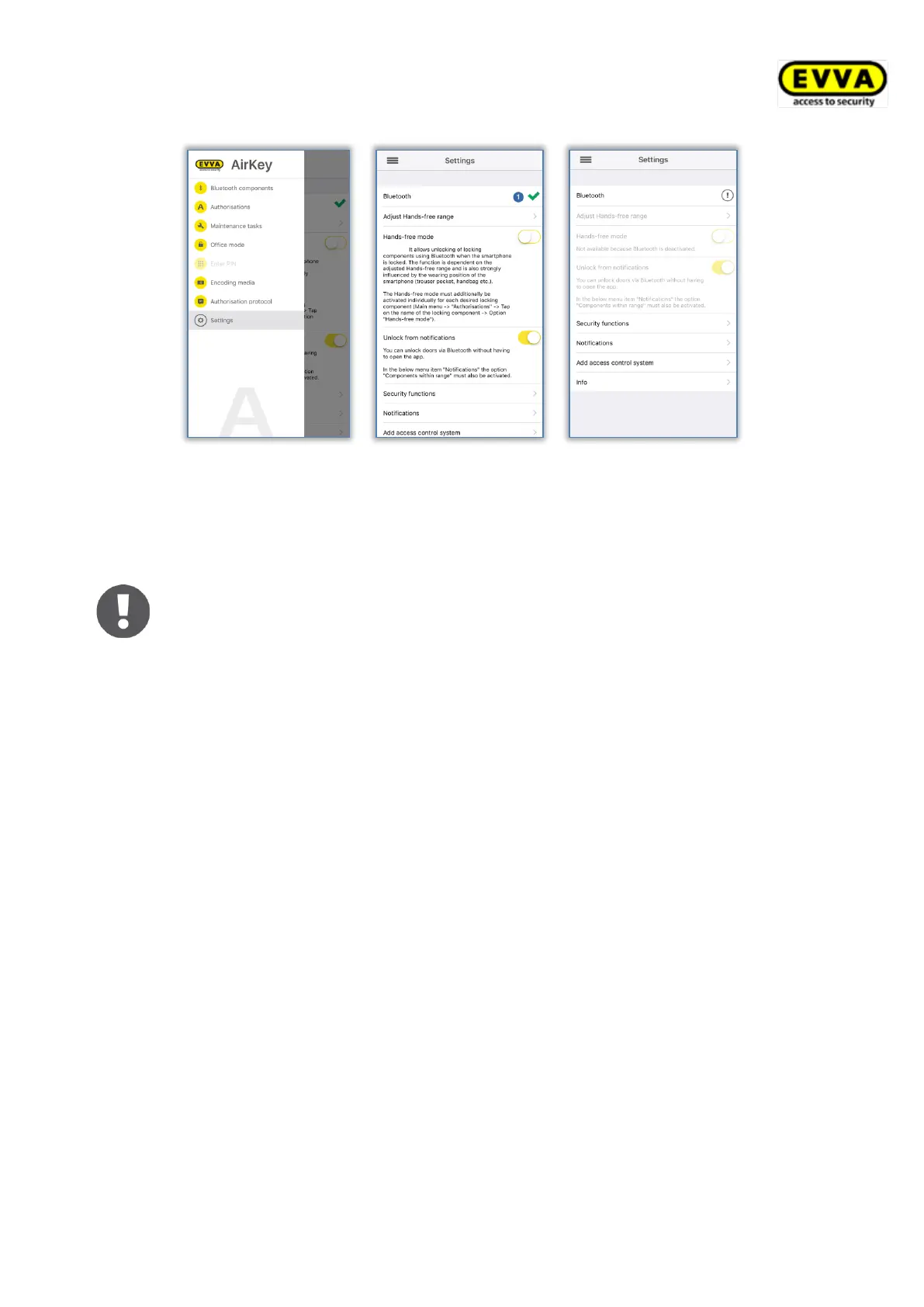
Figure 228: iPhone (Bluetooth only) – main menu / Settings without NFC-based functions / Bluetooth function deactivated
The "Bluetooth" entry in the AirKey settings merely illustrates whether Bluetooth func-
tionality has been activated. You can still tap the "Bluetooth" entry to open the Bluetooth
settings in the device settings of your iPhone.
Deactivate Bluetooth in the iPhone device settings and you will NO LONGER
be able to unlock any locking components!
Deactivated Bluetooth functionality is displayed accordingly in the AirKey
settings and the three associated settings are deactivated automatically,
identically to all other Bluetooth-based functions from the main menu
("Bluetooth components", "Office mode" and "Encode media").
6.9.3 Adjusting the Hands-free range
If the function "Adjust the Hands-free range" is selected, a submenu appears. Here you
select the locking component type for which the range should be set or whether you want to
reset the ranges (for all locking components).
Cylinder range
> Initially touch cylinders to wake them up. The AirKey app then shows all active
Bluetooth AirKey cylinders that are currently in range.
> Select the corresponding cylinder and move away from it as far as required to
activate automatic smartphone identification.
> Press Save.
Range for wall readers
> The app shows all Bluetooth AirKey wall readers that are currently in range.
> Select the corresponding wall reader and move away from it as far as required to
activate automatic smartphone identification.
> Press Save.


 To Next Page
 Loading...