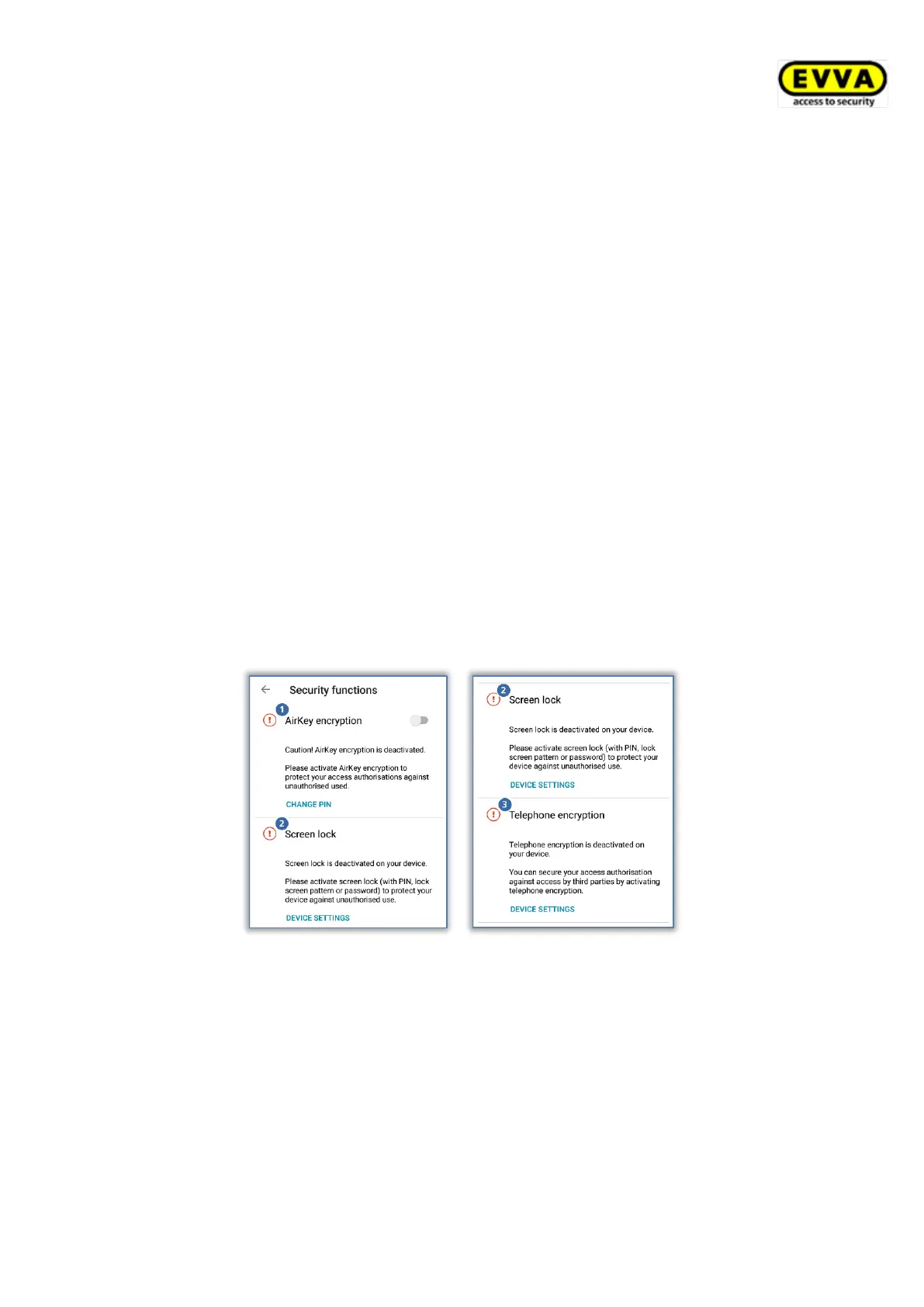
AirKey encryption
This feature involves an additional PIN code. The PIN code consists between 4 and 12 digits
and prevents misuse in the event of loss or theft of the smartphone.
EVVA recommends assigning a PIN code. Make sure your PIN code is as long as possible and
you do not disclose the PIN code.
Screen lock
This operating system security function ensures that the smartphone screen is protected
from being unlocked by third parties. Select this function and the system will take you
directly to the Android smartphone settings.
EVVA recommends to activate the screen lock and disclose the PIN code to the smartphone
owner only.
Telephone encryption
This operating system security function ensures that smartphone data is protected from
being accessed by third parties. Select this function and the system will take you directly to
the Android smartphone settings.
EVVA recommends you activate telephone encryption. For this purpose, please note the
information in your smartphone’s User Guide.
Figure 231: AirKey app – security functions
6.9.6.1 Activating PIN code
Follow the below mentioned steps to activate the PIN code:
> Open the menu in the AirKey app and select Settings → Security functions.
> Activate the "AirKey encryption" option.
> Define a PIN code, re-enter it and select Confirm.


 To Next Page
 Loading...