6.9.6.3 Deactivating PIN code
There are two options to deactivate the pin code. If you know the PIN code, you can
deactivate it directly in the smartphone’s security functions. If you do not know the PIN
code, administrators can reset it in the AirKey Online Administration.
Proceed as follows if you know the PIN code:
> Open the menu in the AirKey app and select Settings → Security functions.
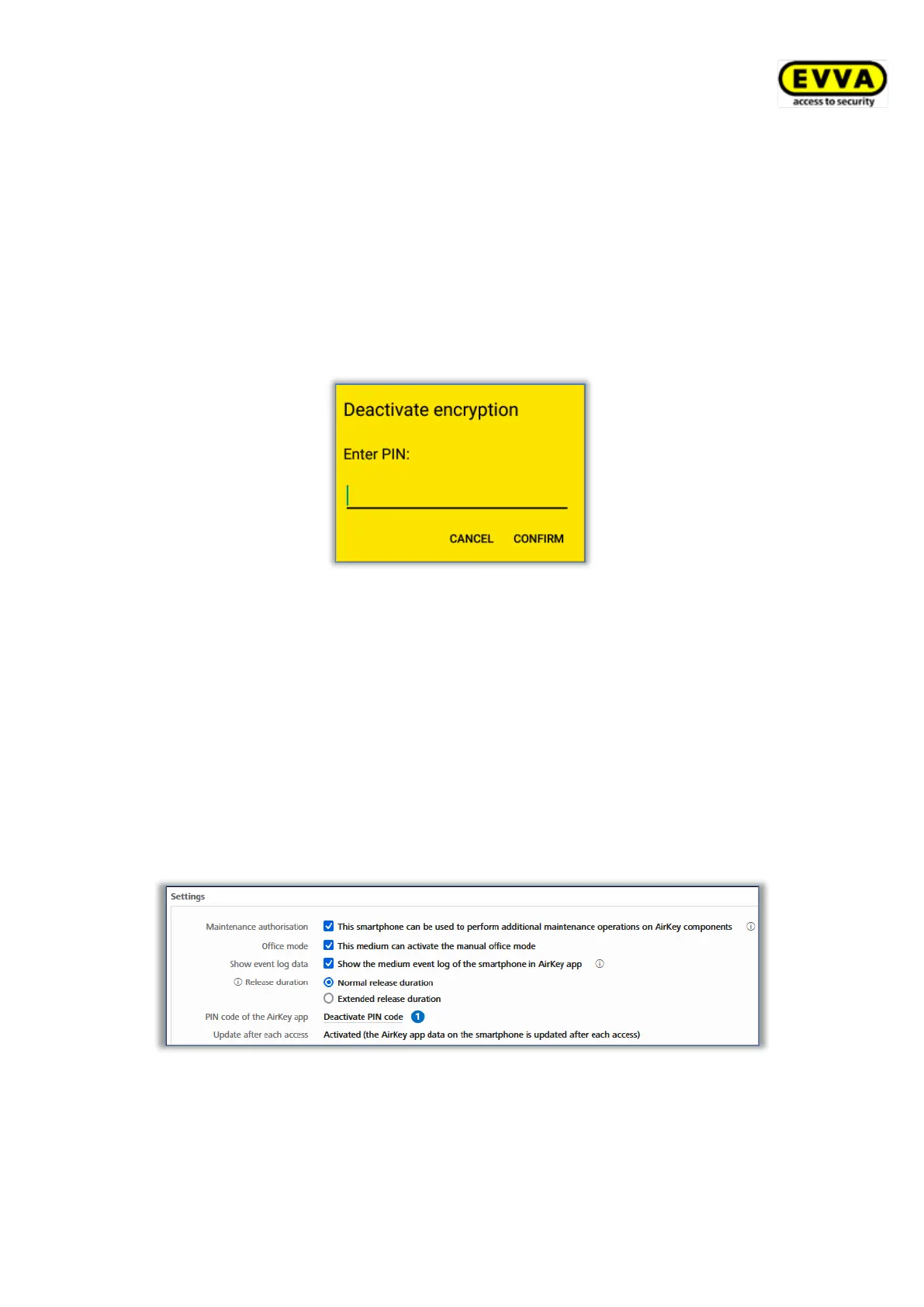
> Deactivate the "AirKey encryption" option.
> Enter the current PIN code and select Confirm.
Figure 234: AirKey app – deactivating encryption
Proceed as follows in the AirKey Online Administration to deactivate the PIN code if you do
not know it:
> Log in to your access control system as an administrator.
> On the Home screen, click the Smartphones tile.
> Alternatively select Media & persons → Media in the main menu.
> Select the smartphone from the overview list for which you would like to deactivate
the PIN code.
> Select the Details tab to edit the details.
> Click the Deactivate PIN code link in the "Settings" section.
Figure 235: AirKey Online Administration – deactivating PIN code
> Click the Deactivate PIN code button to confirm the security prompt.


 To Next Page
 Loading...