6.9.7 Notifications
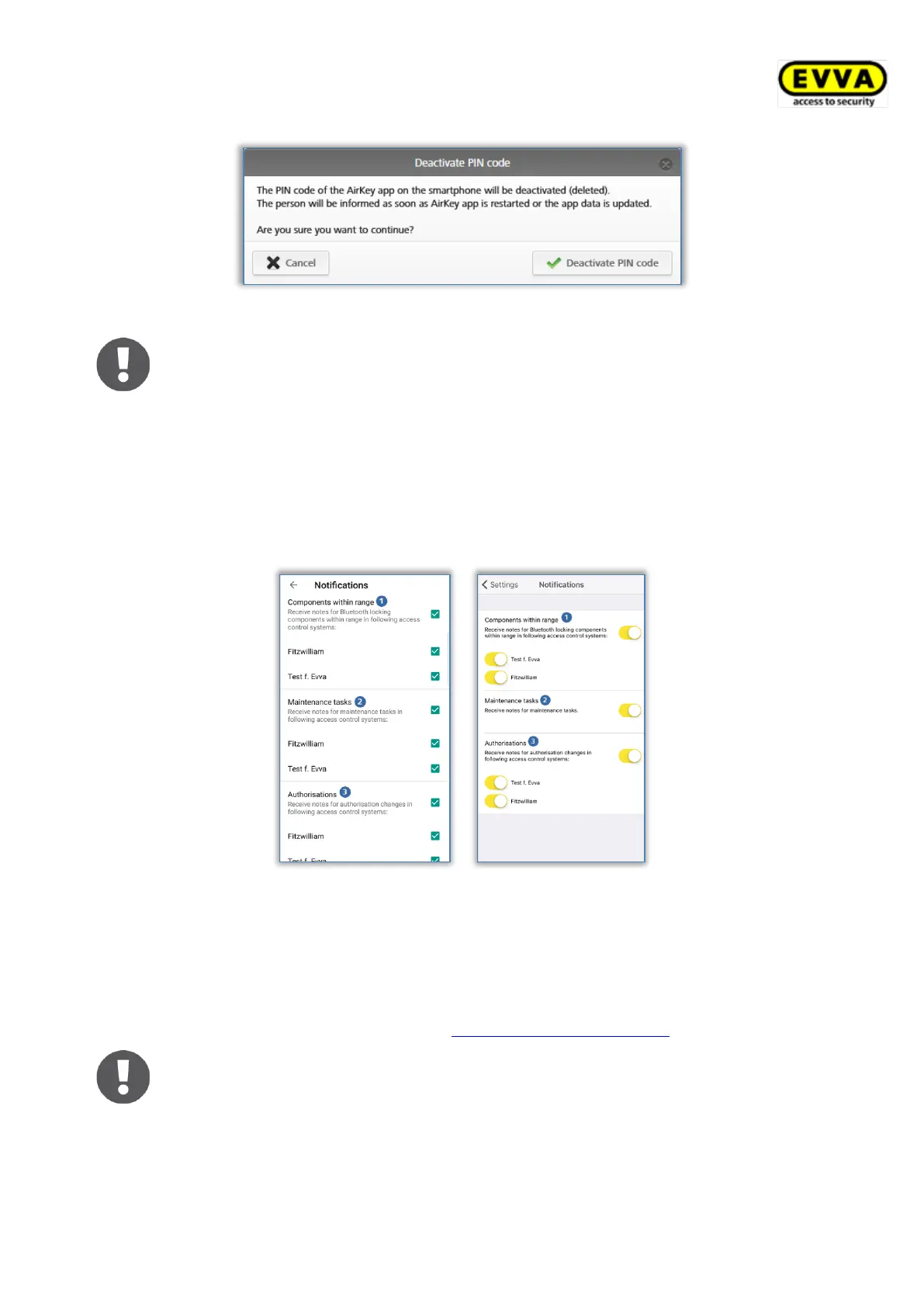
Open the Settings → Notifications menu item to activate push notifications (messages on
the lock and start screen of the smartphone) for components in range, maintenance tasks
and authorisations as well as changes to authorisations. If the smartphone has been
registered in several access control systems and features a maintenance authorisation, these
access control systems will be displayed and are available for selection.
Figure 237: AirKey app push notifications settings Android / iPhone
Notifications for components in range
Activate this setting to receive corresponding push notifications to the lock or start screen of
your smartphone as soon as your smartphone is within range of Bluetooth locking
components. Use these notifications to unlock the corresponding door without having to
manually open the AirKey app (details in the Unlocking from notifications section).
Notifications for maintenance tasks
This setting is displayed by smartphones with maintenance authorisation only.


 To Next Page
 Loading...