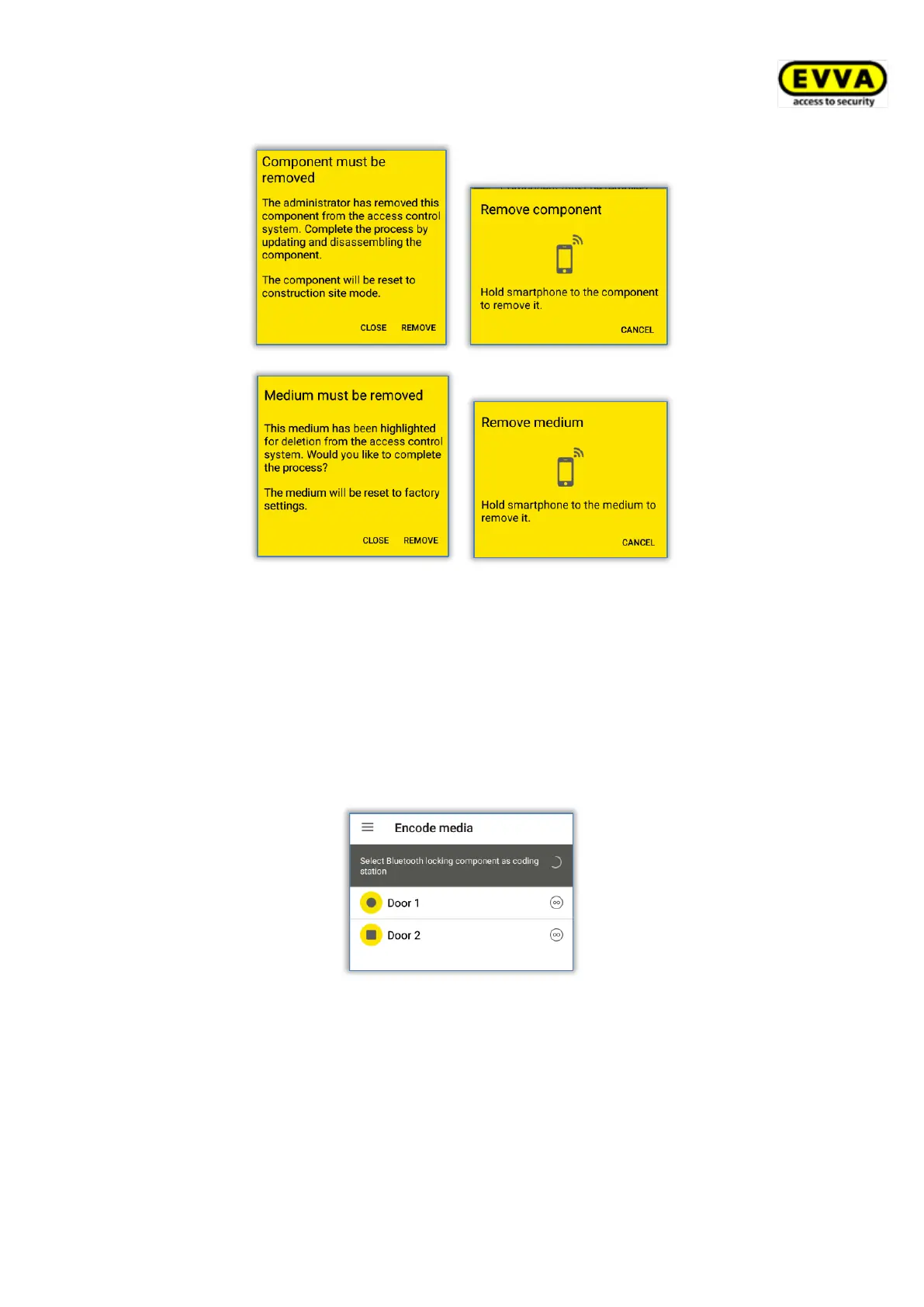
Figure 250: Removing locking components
After having successfully updated, the locking components and media are once again in
factory state.
If you would like to remove access media from the access control system using an iPhone,
this process is identical to that described in Encoding media in terms of adding.
> Select the Bluetooth locking components you would like to update from the list of
displayed components.
Figure 251: Encoding media – Bluetooth selection list – locking components
> Hold the medium you would like to update to the locking component.
> A message appears indicating the locking component is ready.


 To Next Page
 Loading...