AirKey system manual version 2.7 |
06/03/2024 | Subject to technical changes and misprints
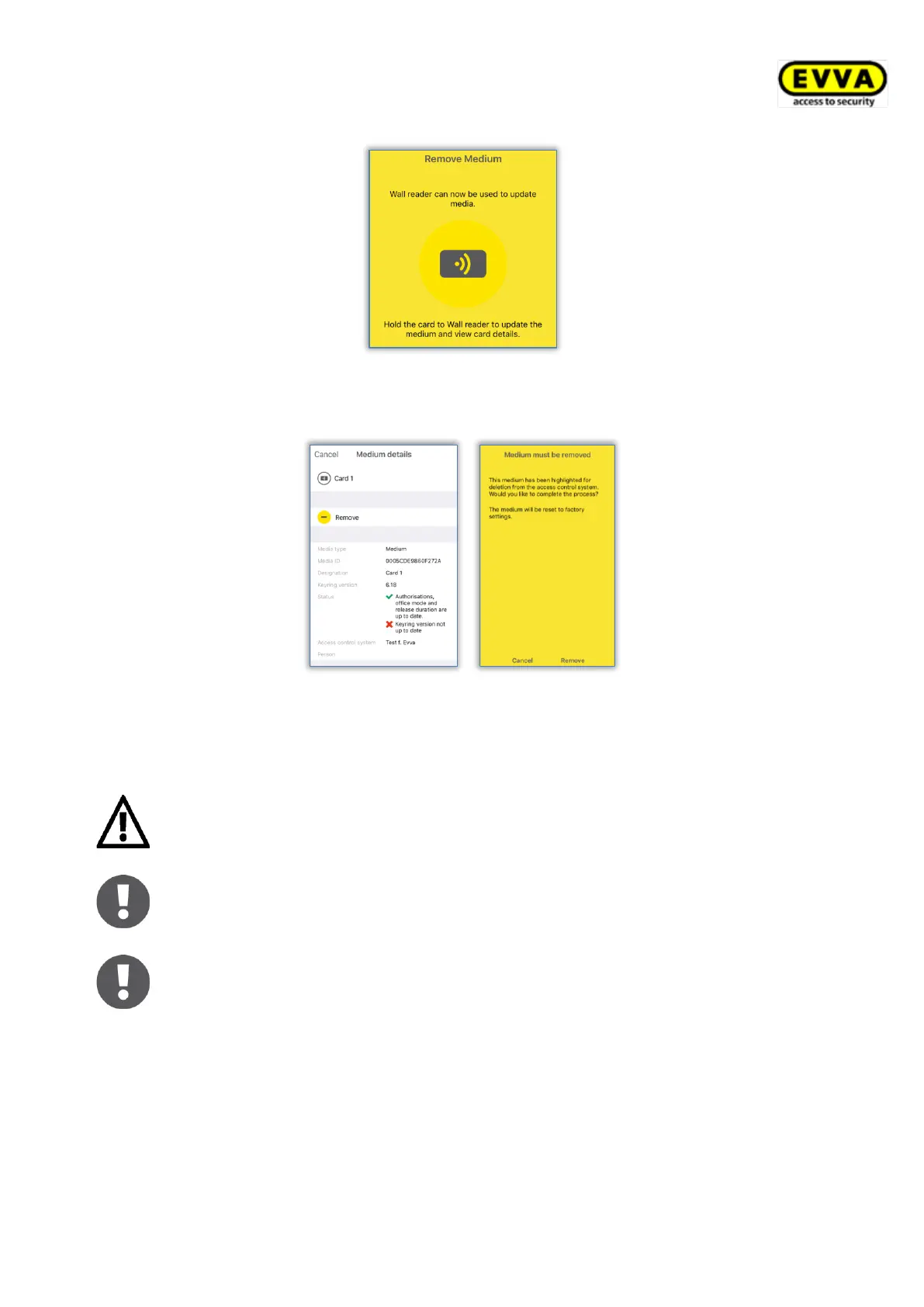
Figure 252: Removing media using iPhones
> Hold the access medium to the locking component and tap Remove.
Figure 253: Removing media
> A confirmation appears, notifying you that the access medium has been successfully
removed from the access control system.
Do not remove the smartphone from the locking component or medium
during this process.
The process to remove locking components and media (except for smart-
phones) is identical.
It is not possible to remove NFC components from the access control
system using iPhones. For this purpose, you require an optional coding
station or an Android smartphone with NFC functionality.
6.15 Event log data in the AirKey app
You can enable the authorisation to show event log data on smartphones via the AirKey
Online Administration. Event log data can be viewed regardless of whether maintenance
authorisation has been enabled or not and the function can be activated for each person
individually.


 To Next Page
 Loading...