Activate or deactivate the display of event log data within the AirKey Online Administration
in the smartphone details section. Please refer to Editing media for more information.
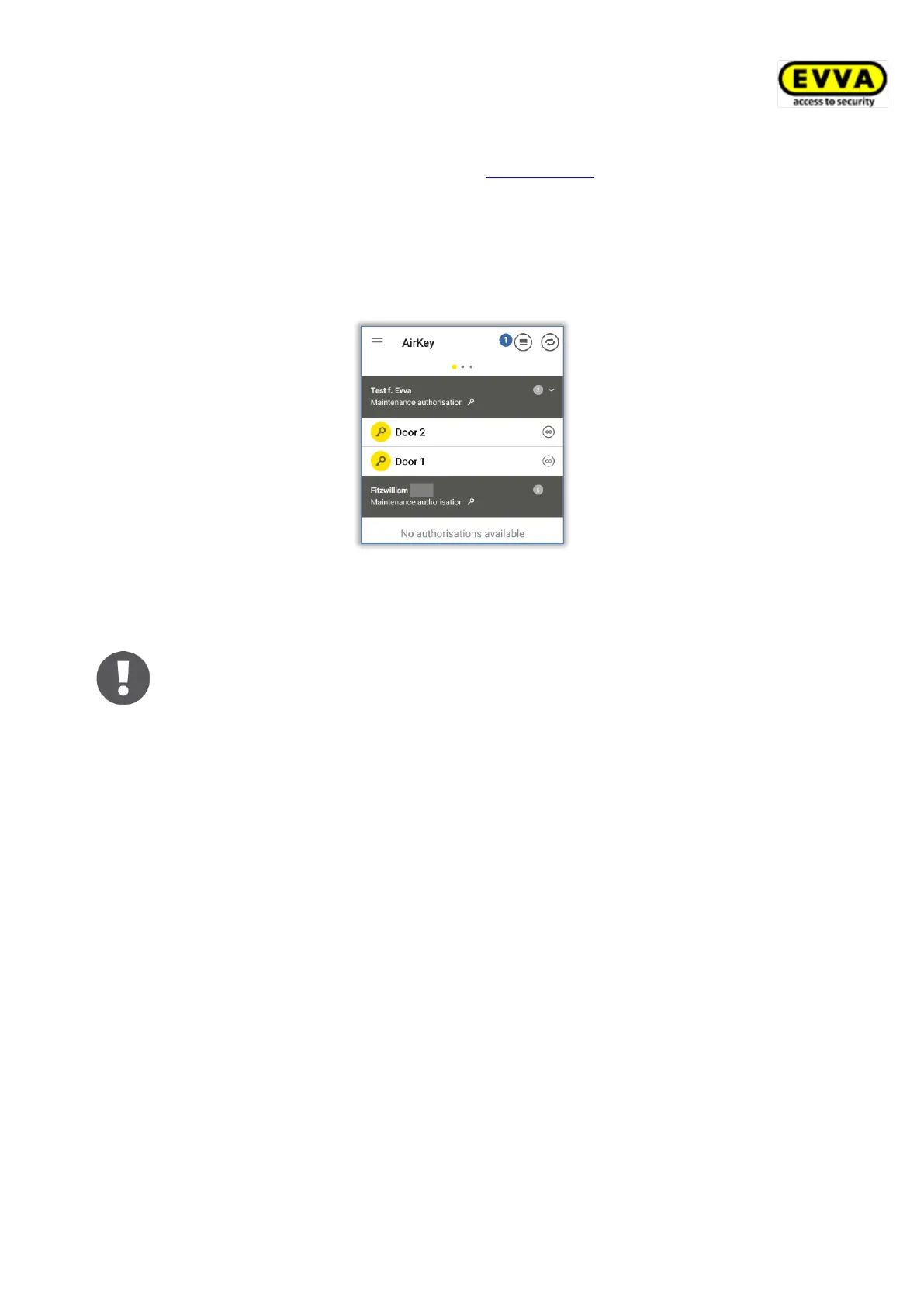
Proceed as follows to open the event log within the app:
> Start the AirKey app.
> Select the Authorisations menu item from the main menu.
> Select the event log icon at the top right .
Figure 254: Event log icon
> The event log of the smartphone will be displayed.
Exclusively event log entries of the person that has been assigned to the
smartphone are shown in the AirKey app event log.
6.16 Hands-free at a glance
There is a Hands-free mode for Bluetooth locking components. This is a convenience
function as part of which you must no longer select the locking component in the app. The
Hands-free function is not identical to the "Locking with Bluetooth" function. However, it can
be activated for added convenience.
After having been touched the cylinder sends a Bluetooth signal. With wall readers this
process is executed automatically, without having to touch the component. If an AirKey app
within the locking range receives this Bluetooth signal, the unlocking process starts. The
locking range for cylinders and wall readers can be adapted individually in the app.
> Activate Hands-free mode in the main menu of the AirKey-App in the Settings menu.


 To Next Page
 Loading...