AirKey system manual version 2.7 |
06/03/2024 | Subject to technical changes and misprints
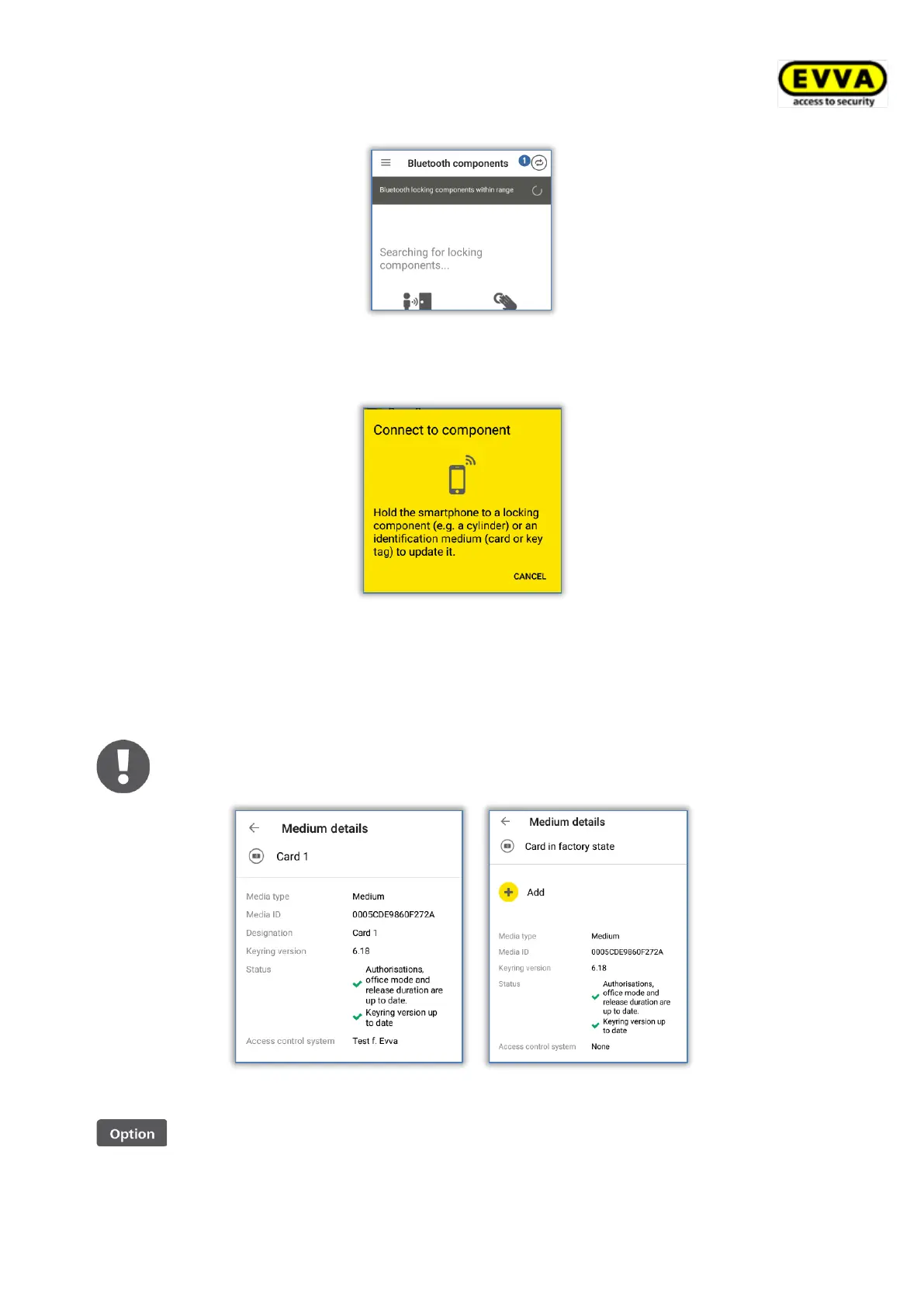
Figure 263: "Connect to component" icon (Android smartphones only)
> Follow the on screen instructions and hold the smartphone to the medium.
Figure 264: Updating data
Data is updated. Do not remove the smartphone from the object you would like to synch-
ronise during data transfers. A corresponding message will appear once the process has
been completed.
When using smartphones to update combi keys directly hold the side of the
combi key featuring the RFID icon to the smartphone’s NFC antenna aerial.
Figure 265: AirKey app updating a medium
Updating media using coding stations


 To Next Page
 Loading...