AirKey system manual version 2.7 |
06/03/2024 | Subject to technical changes and misprints
Proceed as follows to update cards, key fobs, combi keys or wristbands using coding
stations:
> Log in to your access control system and ensure the coding station is connected and
has been selected in the AirKey Online Administration.
> Place the medium on the coding station.
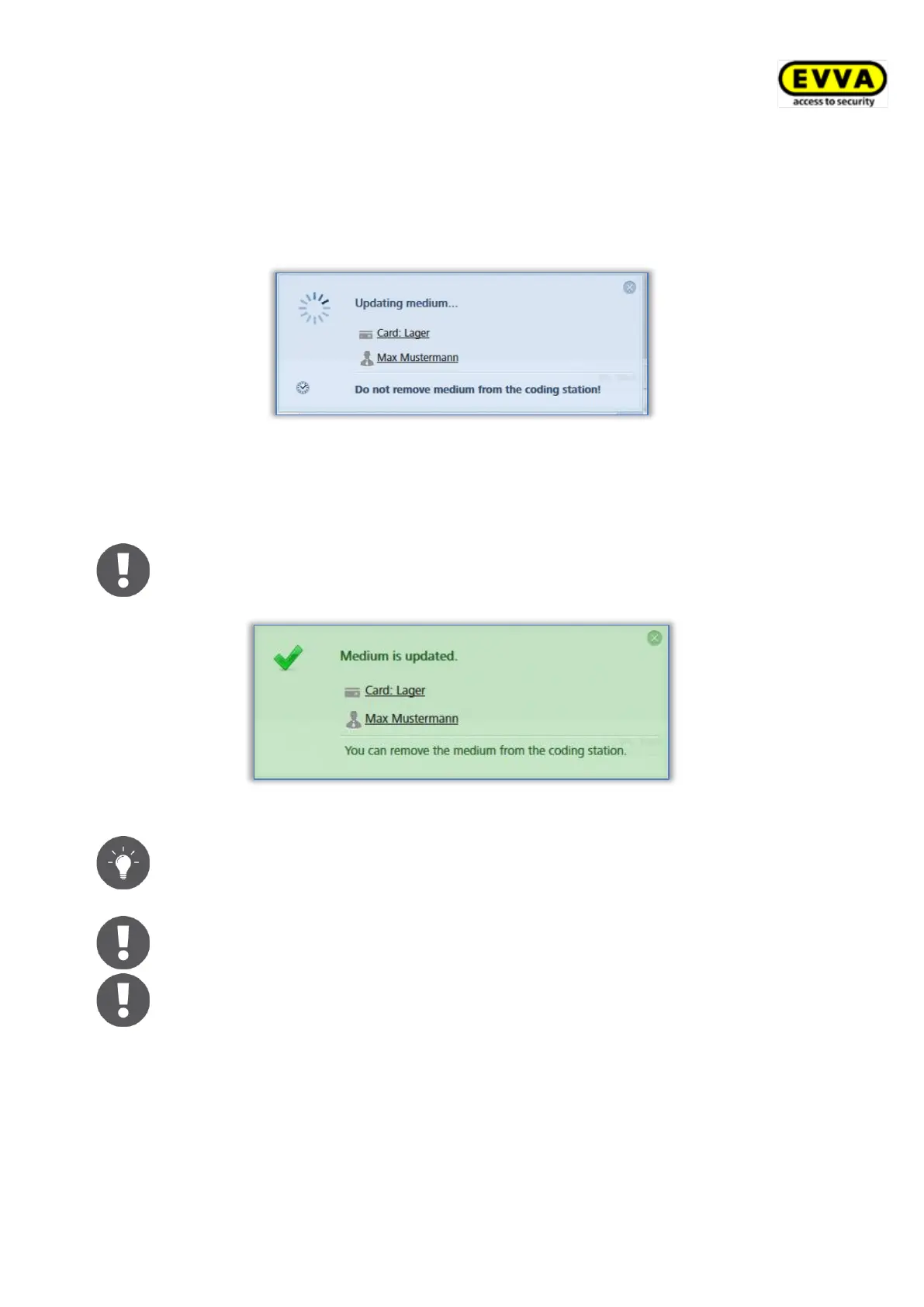
Figure 266: Updating media using coding stations
> Only remove the medium from the coding station once the update has completed and
the confirmation prompt appears indicating a successful update.
The information shown in the notification indicating successful completion
varies depending on whether the medium is in your own or in an external
access control system.
Figure 267: Updating your own or external media using coding stations
Regularly update your AirKey media. This is the only way to ensure your
access control system remains secure and up to date.
Regularly update media to ensure all event log entries have been trans-
ferred from media to the AirKey Online Administration.
When using coding stations to update combi keys, hold the side of combi
key featuring the RFID icon to the coding station. Updating is not possible
across the entire coding station reader area – with the current type (HID
Omnikey 5421) combi keys are exclusively detected in the top and the
bottom third of the coding station reader area.


 To Next Page
 Loading...