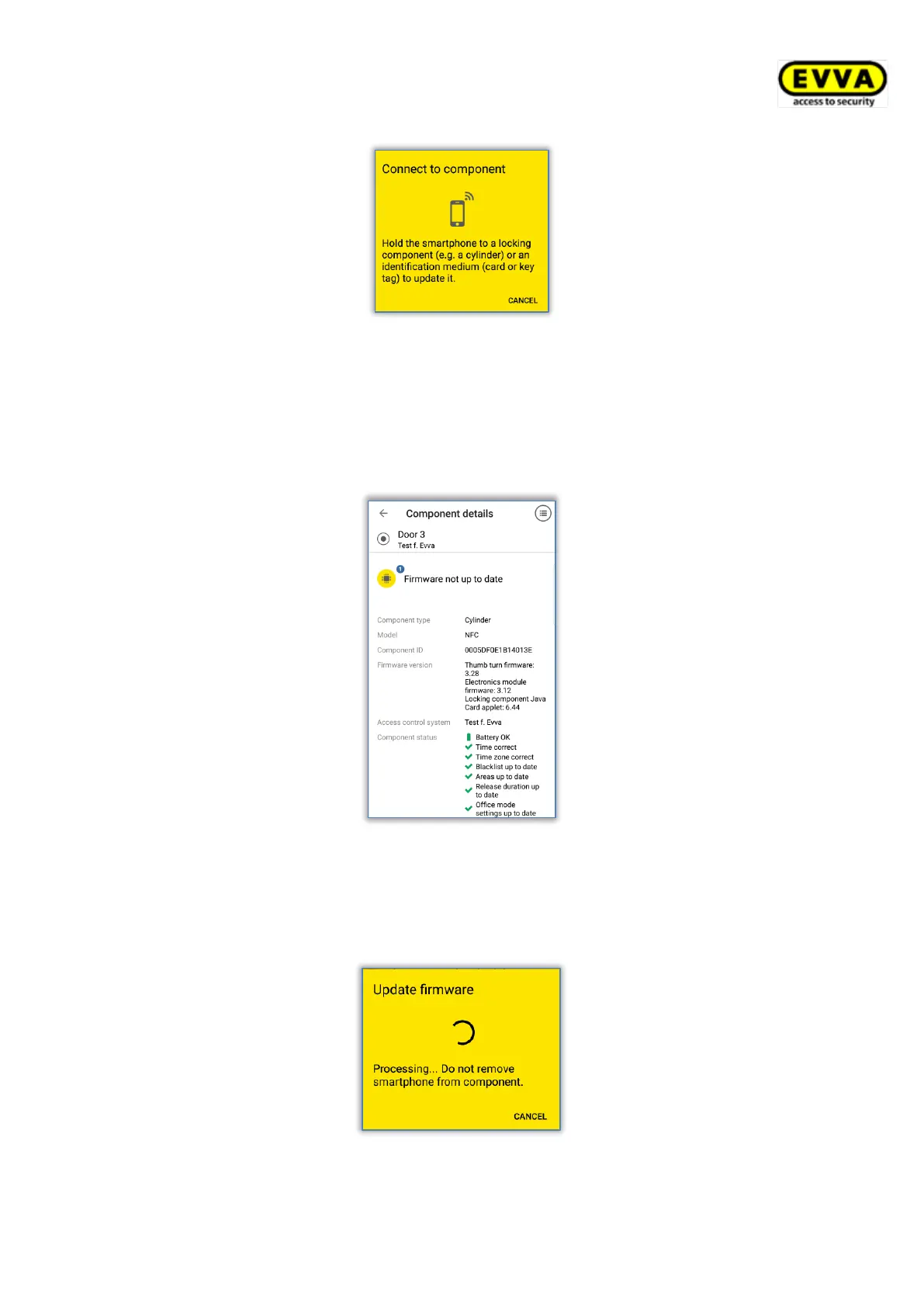
Figure 269: Connecting to component – firmware update
Data is updated. During transfers do not remove the NFC smartphone from the component
for synchronisation or remain within the locking component range with the Bluetooth
smartphone. A corresponding message will appear once the process has been completed.
> The locking component is updated and component details are shown. The component
details indicate the component firmware is not up to date.
Figure 270: AirKey app – component details
> Click the Update firmware option on this screen.
> Hold the NFC smartphone to the locking component or remain within range with the
Bluetooth smartphone.
Figure 271: AirKey app – updating firmware


 To Next Page
 Loading...