Firmware updates may take several minutes, depending on the Internet
connection. Permanently hold the NFC smartphone to the locking
component or remain within the locking component’s range with Bluetooth
smartphones during this time.
Do not remove the smartphone from the components you would like to update during
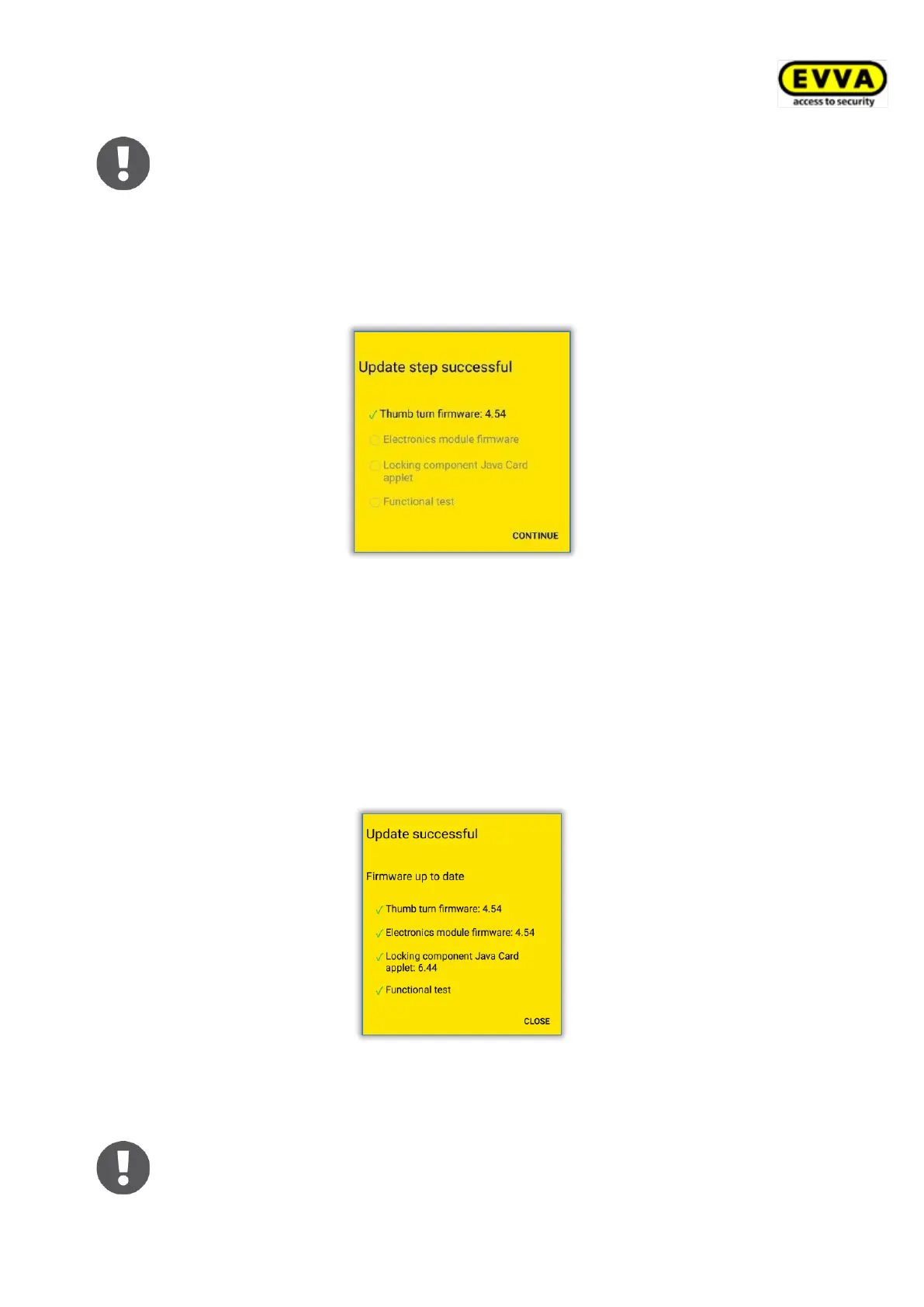
transfers. A message indicating the first update step was successful appears once the
process is complete.
Figure 272: AirKey app – update step successful
> Remove the smartphone from the locking component until the locking component
flashes and an audible signal sounds.
> Hold the NFC smartphone to the locking component or keep the Bluetooth
smartphone within range of the locking component and follow the on-screen
instructions.
A message indicating the firmware update was successful appears once it has been
completed successfully.
Figure 273: AirKey app – successful update
> Click Close to confirm the confirmation prompt and complete firmware updates.
As a result, the locking component status is adapted within the entire
system. The maintenance task is no longer shown and the correct firmware
version is indicated in the locking component details.


 To Next Page
 Loading...