Updating firmware using coding stations:
> Place the locking component on the coding station. Updates launch
automatically once the coding station starts communicating with the
locking component.
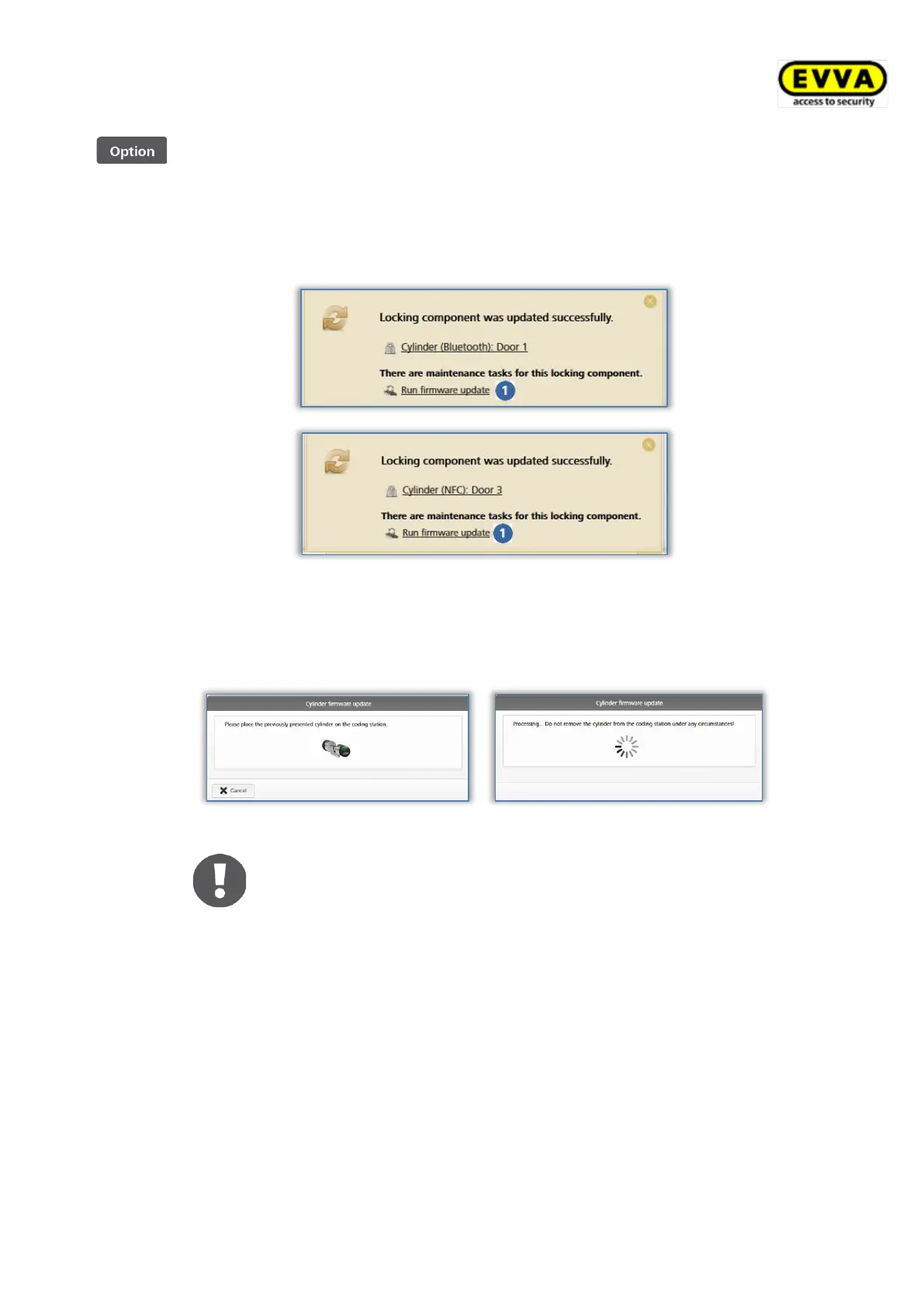
A confirmation appears once the update has been completed.
Figure 274: Coding station – confirmation upon updating locking components
A corresponding link is shown if a firmware update is available for the
locking component.
> Click Execute firmware update to start the process.
Figure 275: Coding station – firmware update for cylinder
Firmware updates may take several minutes, depending on the
Internet connection. Do not remove the locking component
from the coding station during this period.


 To Next Page
 Loading...