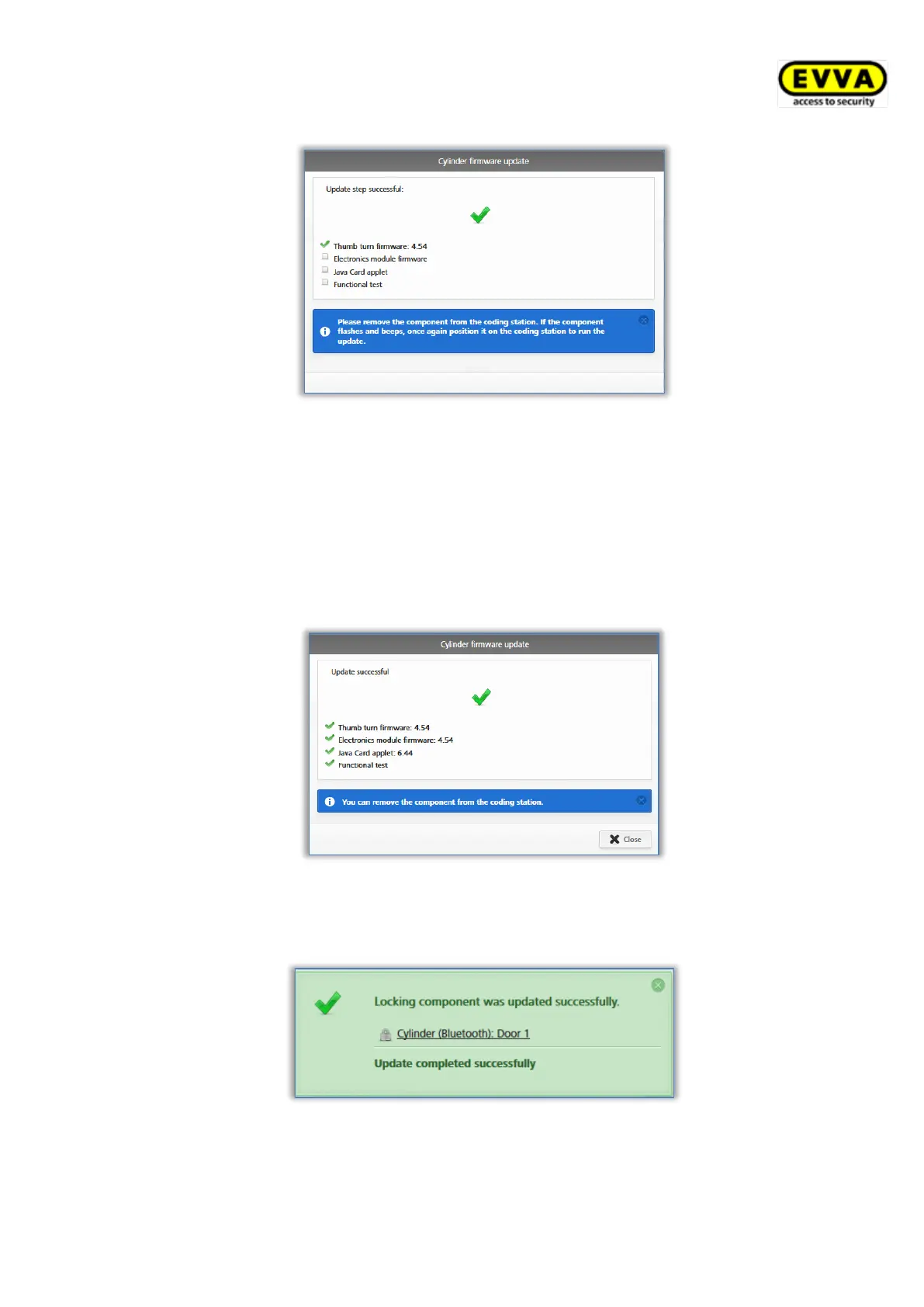
Figure 276: Coding station – update step successful
> Remove the locking component from the coding station until the
locking component restarts with visual and audible feedback.
> Once again place the locking component on the coding station to
complete the process.
A corresponding message will appear once the update has been completed
successfully.
Figure 277: Coding station – firmware update successful
The locking component is once again updated after having closed the
confirmation prompt.
Figure 278: Coding station – locking component updated successfully
> Remove the locking component from the coding station after having
updated it.


 To Next Page
 Loading...