AirKey system manual version 2.7 |
06/03/2024 | Subject to technical changes and misprints
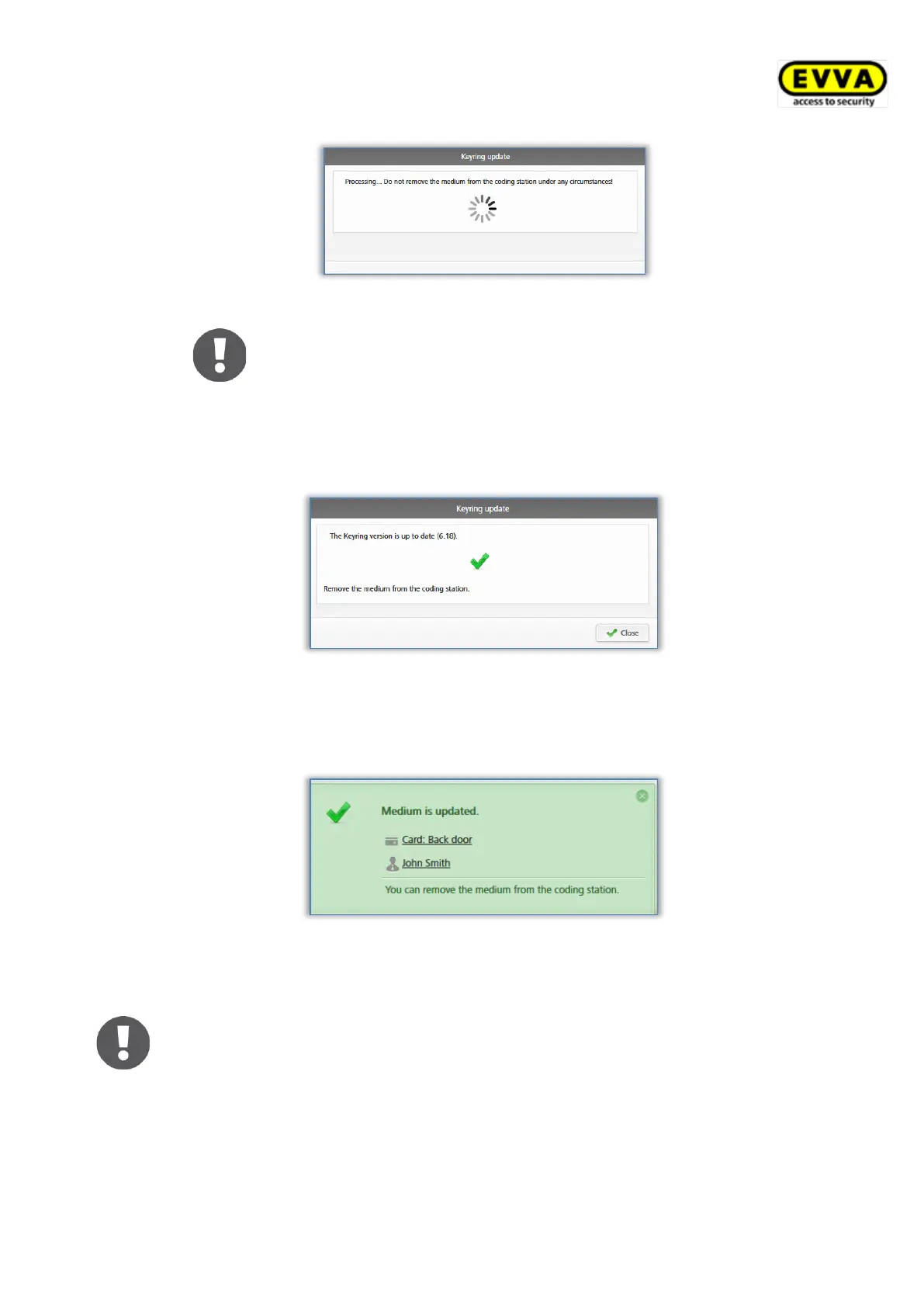
Figure 284: Coding station – Keyring update
Keyring version updates may take several minutes, depending
on the Internet connection. Do not remove the medium from
the coding station during this period.
Do not remove medium from the coding station during the Keyring is
updating. Keyring version updates are completed by a confirmation prompt.
Figure 285: Coding station – Keyring update successful
You have now successfully completed the Keyring update. The medium is
once again updated after having closed the confirmation prompt.
Figure 286: Coding station – medium updated successfully
> Remove the medium from the coding station after having updated it.
When using coding stations to update combi keys, hold the side of combi
key featuring the RFID icon to the coding station. Updating is not possible
across the entire coding station reader area – with the current type (HID
Omnikey 5421) combi keys are exclusively detected in the top and the
bottom third of the coding station reader area.
As a result, the media status is adapted within the entire system. The
correct Keyring version is shown in the media details.


 To Next Page
 Loading...