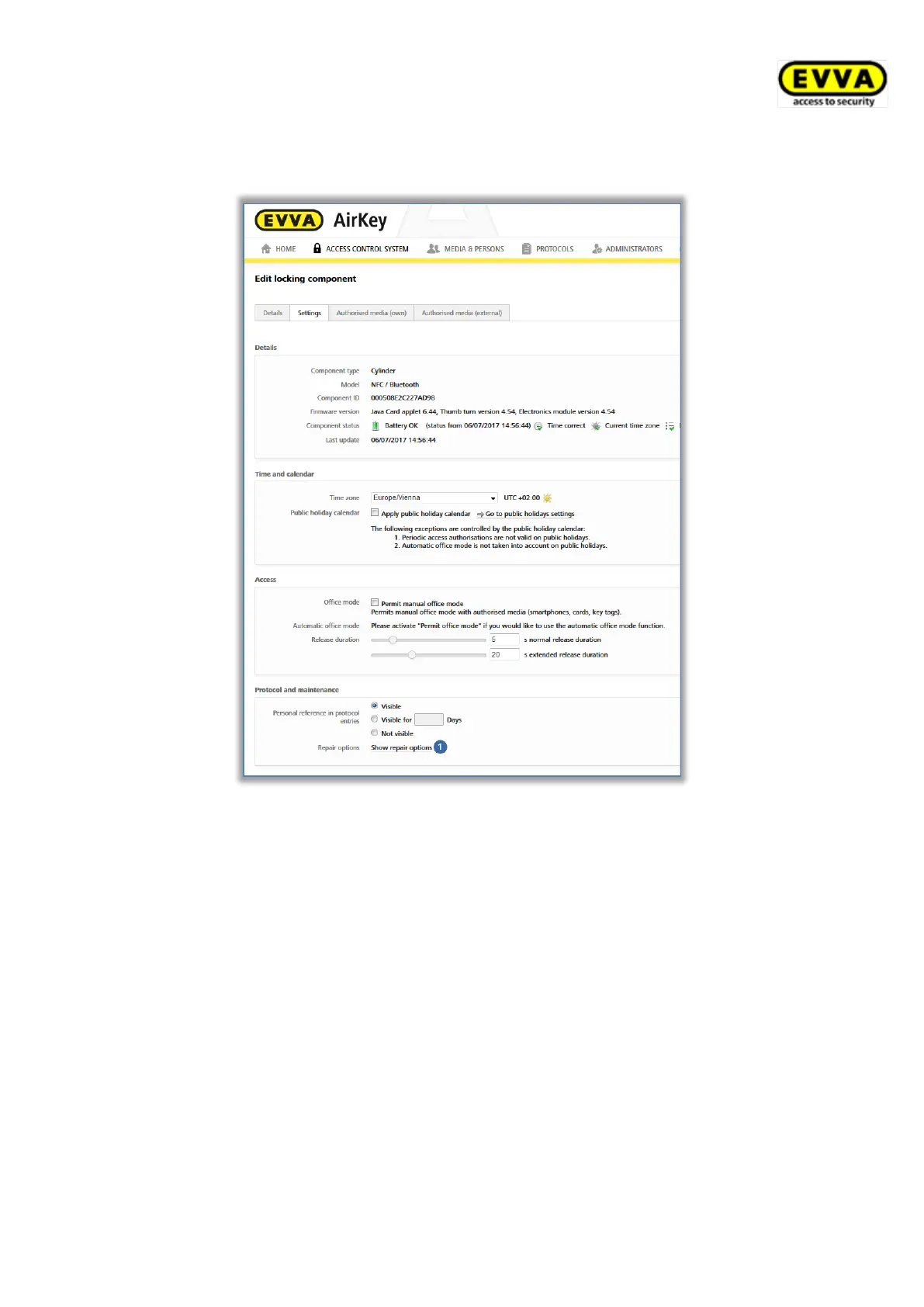
> In the Settings tab go to the Logging and repair options section and click on
Show repair options .
Figure 288: Editing locking components – repair options
The Repair options dialogue window opens.
> The Disassemble and install the replacement component and Replace
cylinder (thumb turn and electronics module together) radio buttons have
been made available by default.
> Alternatively select the Replace thumb turn only radio button.



 To Next Page