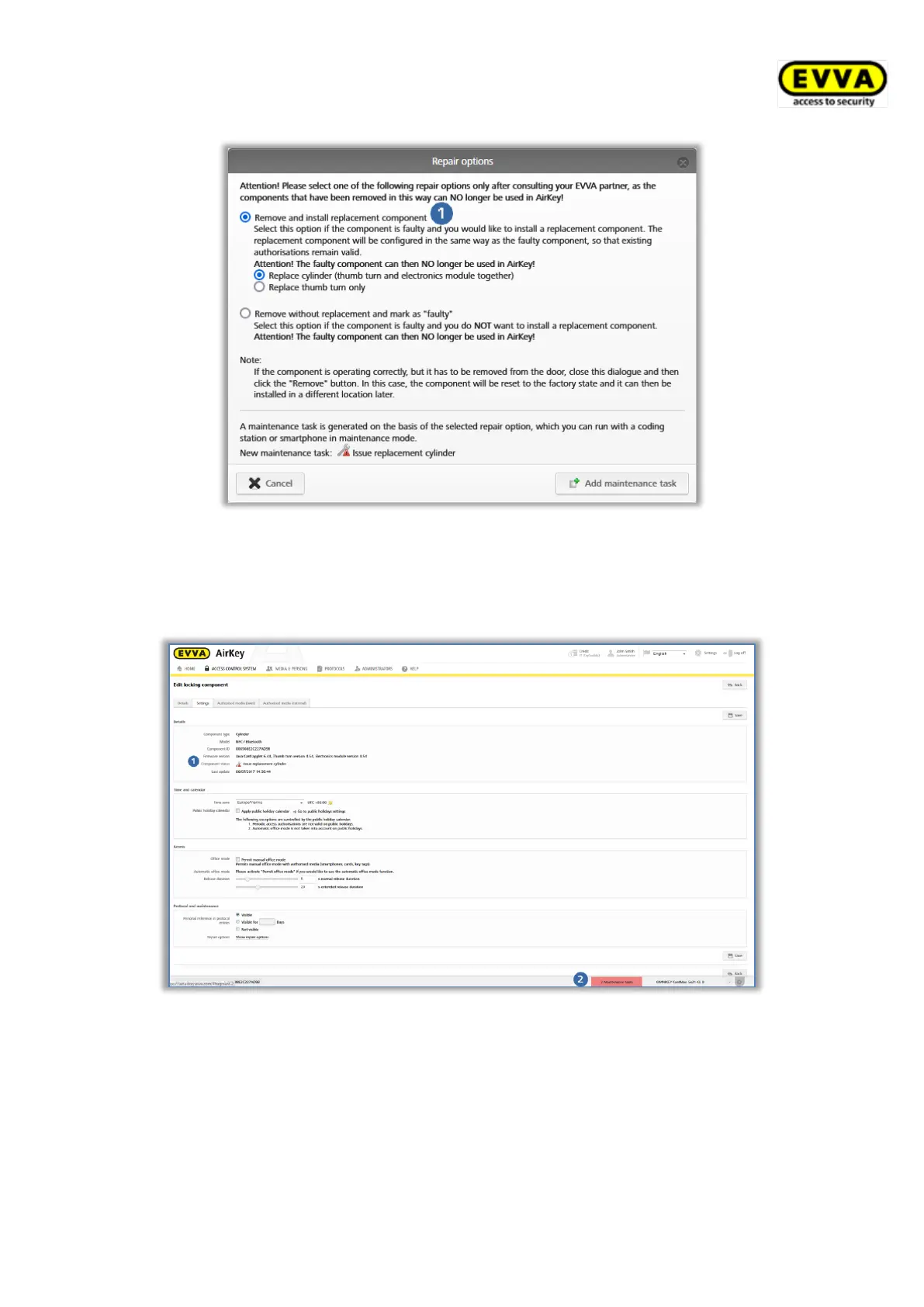
Figure 289: Repair options
> Click Add maintenance task.
The locking component status is updated and shown as a maintenance task .
Figure 290: Component status and maintenance task
As a result, you have completed the preparations to issue and install a replacement locking
component within the AirKey Online Administration. Issue and install the replacement
locking component using a smartphone with maintenance authorisation or the optionally
available coding station to complete the entire process.


 To Next Page
 Loading...