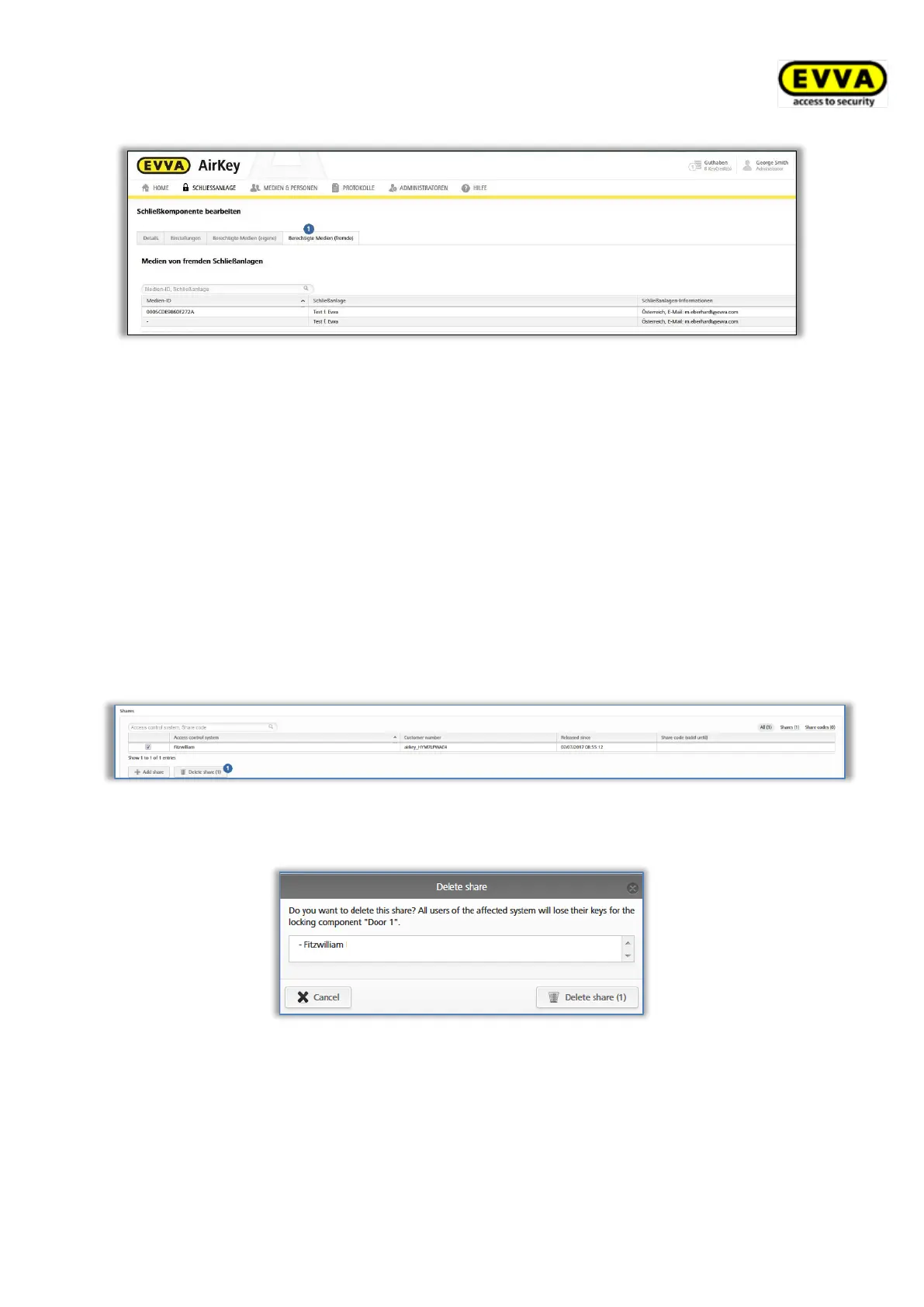
Figure 316: Authorised media (external)
11.5 Revoking shared locking components
You can once again revoke any shared locking components. For this purpose, proceed as
follows:
> On the Home screen, select the Cylinders or Wall readers tile.
> Alternatively, select Access control system → Locking components in the main
menu.
> Click the locking component on the overview list for which you would like to revoke
the shared status.
On the Details tab in the Shares section, select the corresponding share and click Delete
share .
Figure 317: "Shares" section – deleting shares
> Click Delete share to confirm the security prompt.
Figure 318: Deleting shares
As a result the locking component is removed from the other client’s access control system.
The system creates a maintenance task.
> Update the locking component for which you have revoked the share using a smart-
phone with maintenance authorisation or an optionally available coding station. The
locking component status is once again up to date after having updated.


 To Next Page
 Loading...