AirKey system manual version 2.7 |
06/03/2024 | Subject to technical changes and misprints
12 AirKey Cloud Interface (API)
The AirKey Cloud Interface is an interface (API) for third-party systems based on REST. The
interface allows certain AirKey functions to be controlled via third-party software (e.g. a
booking system or check-in).
To do this, the third-party software must be connected to the AirKey Online Administration
and specially adapted so that it can send the necessary commands and process the sub-
sequent responses.
The list of possible functions and their corresponding commands can be found in the API
description. Your integrator or the programmer of the third-party software takes care of the
implementation.
Try out the function of the AirKey Cloud Interface with the EVVA AirKey
Cloud Interface Demonstration.
Make sure you have enough credit when using the AirKey Cloud Interface.
In this case it is best to use "KeyCredits Unlimited". If the credit has been
consumed or is about to be consumed, all administrators of the AirKey
access control system will be notified by e-mail. This e-mail notification will
only be sent to administrators who have activated the option I would like
to receive important notifications from EVVA (e.g. about low
KeyCredits credit) by e-mail (recommended). You can edit this e-mail
notification for an administrator at any time (see Editing administrators).
12.1 Activating the AirKey Cloud Interface
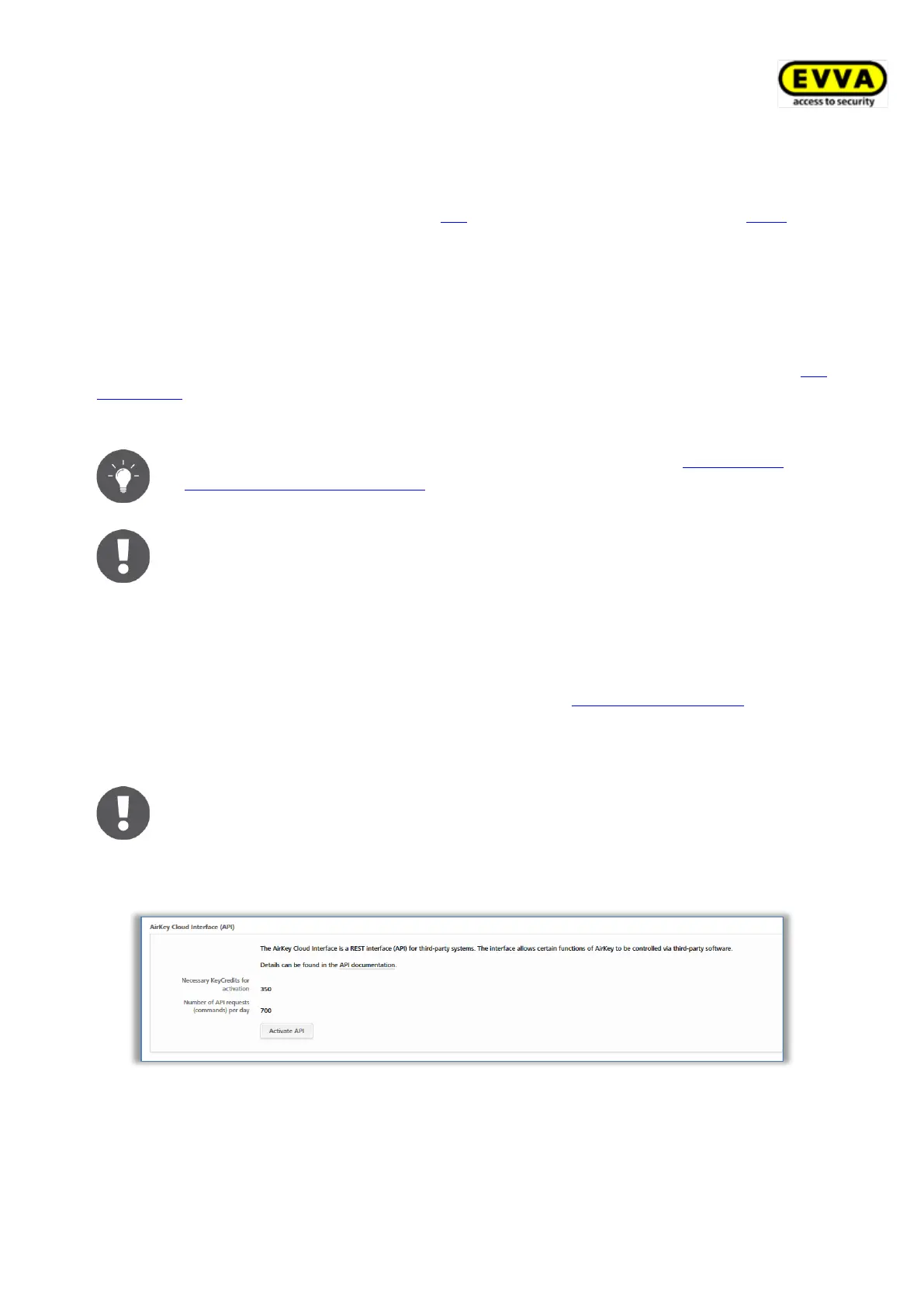
At least 350 KeyCredits are required to activate the AirKey Cloud Interface.
Use your existing KeyCredits volume credit or use the corresponding scratch
card KeyCredits AirKey Cloud Interface.
> In the Settings within Tab General click on Activate API.
Figure 320: General Settings – AirKey Cloud Interface (API)
> If there is enough credit volume, confirm the dialogue again with Activate API. If
the credit is not enough, this is indicated with a message. It is then possible to
recharge the credit directly via a link.



 To Next Page
 Loading...