AirKey system manual version 2.7 |
06/03/2024 | Subject to technical changes and misprints
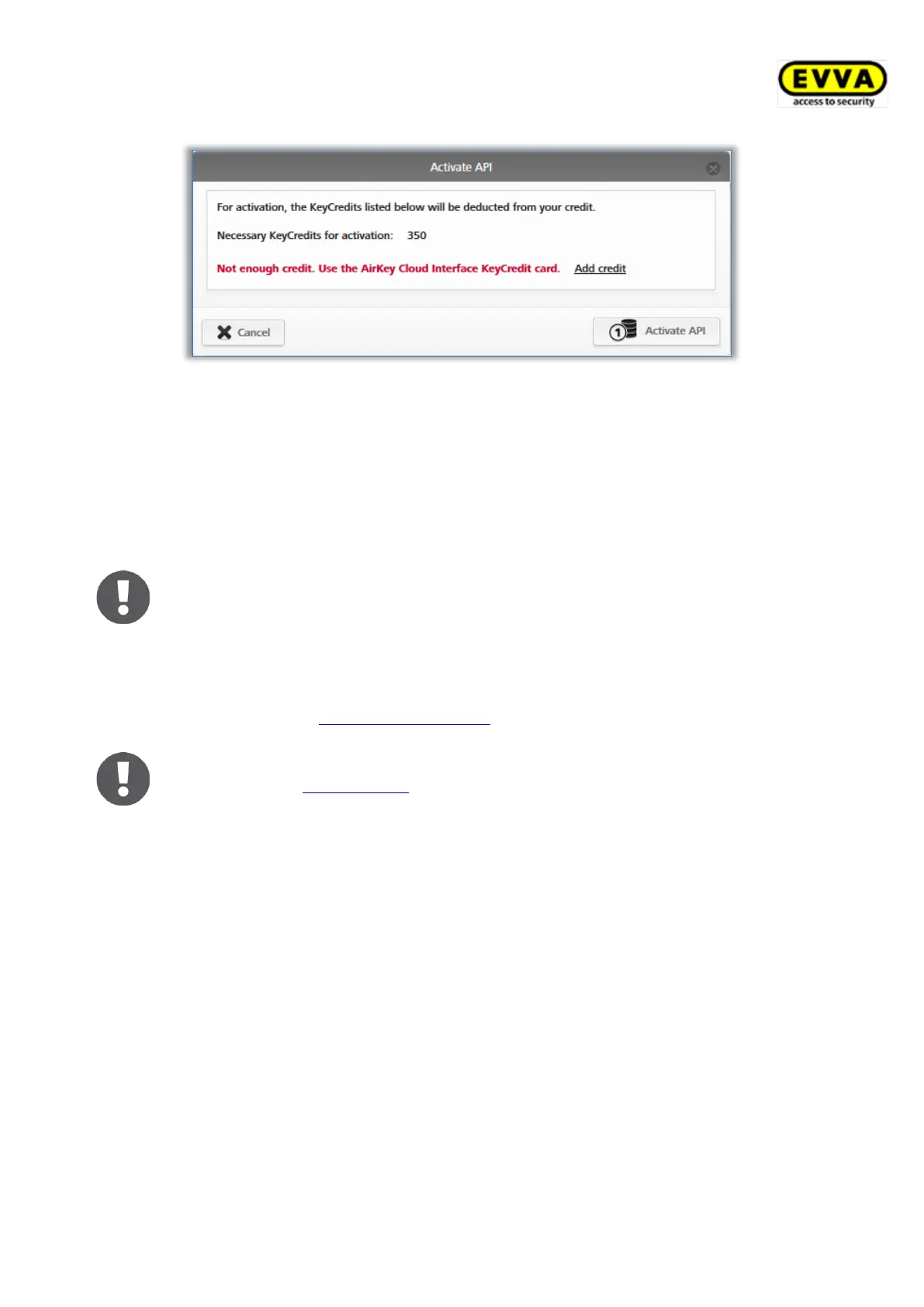
Figure 321: API activation
Now the AirKey Cloud Interface is activated. The AirKey Cloud Interface must only be
activated once per access control system in order to be able to use it.
After activation, you will receive information about the endpoint (API commands must be
sent there) and the API request limit (number of possible API requests per day). An API
request is a command that is sent to the AirKey system via the third-party software.
The API request limit is reset daily at 00:00 UTC. If the API request limit is
exceeded, all administrators of the AirKey access control system will be
notified by e-mail. This e-mail notification will only be sent to administrators
who have activated the option I would like to receive important
notifications from EVVA (e.g. about low KeyCredits credit) by e-mail
(recommended). You can edit this e-mail notification for an administrator
at any time (see Editing administrators).
If the API requests per day are not sufficient for your particular use case,
please contact EVVA support.
12.2 Generate API key
The communication between AirKey and the third-party software is secured with an API key.
Only those who know this API key can send commands to your access control system via the
AirKey Cloud Interface. Every access control system with an activated AirKey Cloud Interface
uses its own API keys.
Actions executed via the AirKey Cloud Interface are also logged in the system event log of
the AirKey access control system. In this case, the first part of the API key, the API key ID,
is used as the administrator.
After activation, you can generate the API keys required for communication.
> Click Generate API key in the Settings in the General tab.


 To Next Page
 Loading...