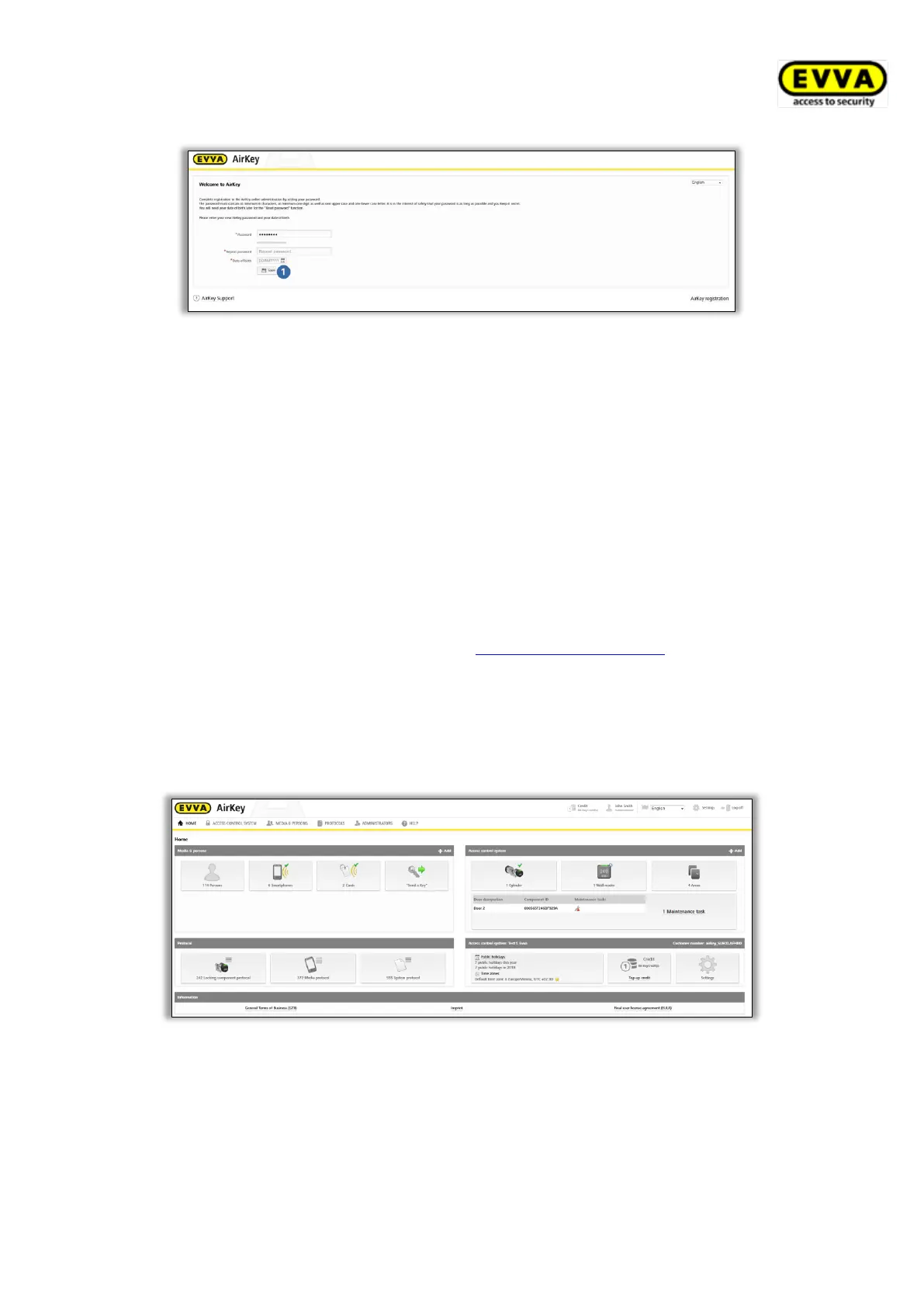
Figure 7: Specifying an AirKey password to complete registration
> Click Save to finish registration once you have completed the mandatory fields and
both AirKey passwords match.
You have now completed the registration process and your access control system has been
activated successfully.
You can now log on at any time on the AirKey Online Administration login page. All you need
is the user ID from the registration e-mail and the previously defined AirKey password.
4.3 Login
You must log in to configure and manage the access control system.
> Open the following page in your browser https://airkey.evva.com.
The AirKey Online Administration login page opens.
> Select your preferred language. You can change the language in the right-hand
menu bar at any time within the active session.
> Enter your user ID from the registration e-mail and the defined password and confirm
with Log in. The access control system home screen appears.
Figure 8: Access control system – home screen
The home screen provides an overview of all data relevant to the system. Browse to any
functions and settings from this screen.


 To Next Page
 Loading...