AirKey system manual version 2.7 |
06/03/2024 | Subject to technical changes and misprints
4.4 Interactive help
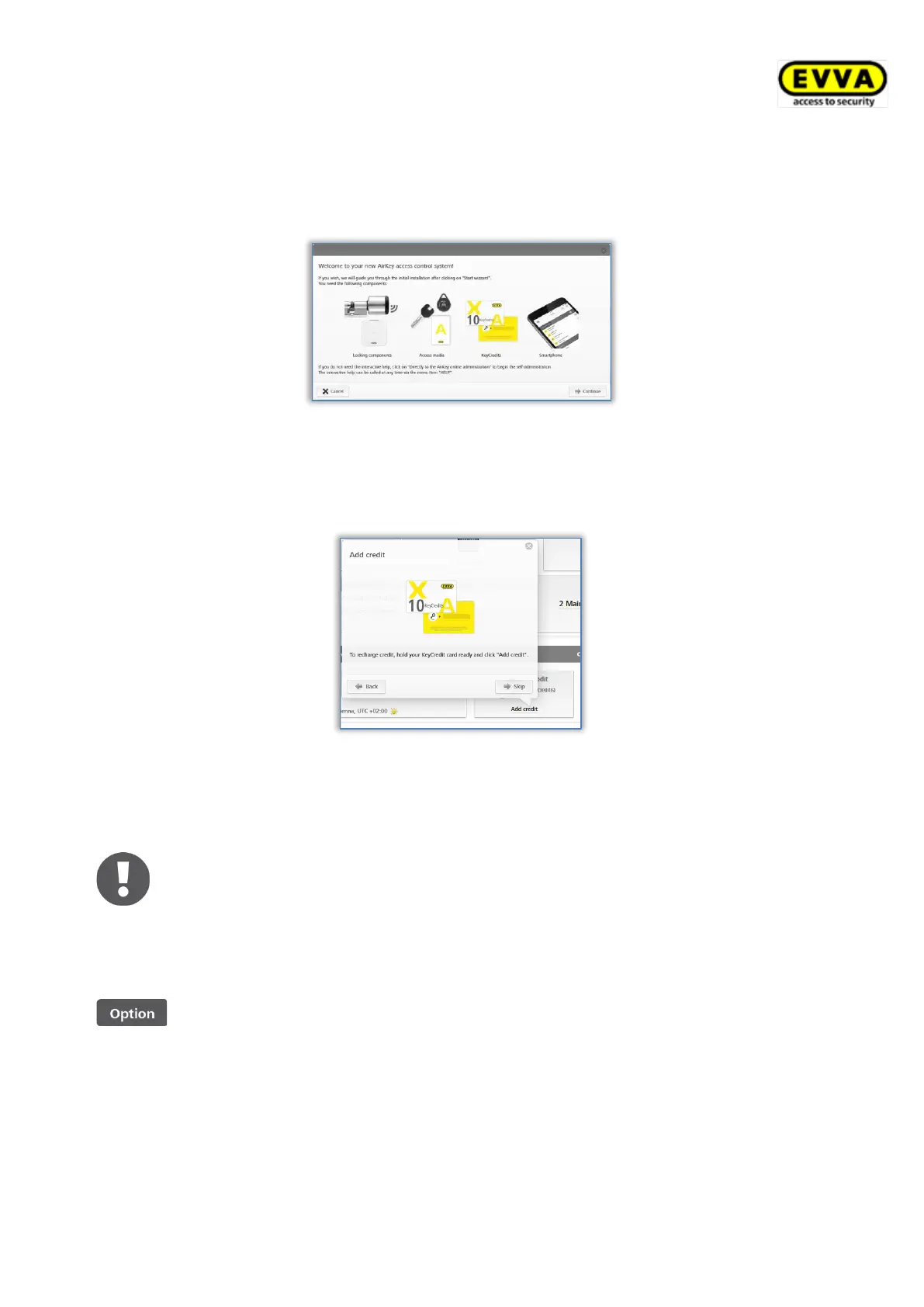
AirKey Online Administration starts the interactive help file after having logged in for the first
time to give you a tour of the program and explain the most important functions.
Figure 9: Interactive help
The example here is the "Add credit" function. The interactive help file will demonstrate
which buttons to click and it will notify you of any information you need to enter in the
fields. You can browse forwards and backwards within the interactive help file.
Figure 10: Interactive help – topping up credit
You can also close the interactive help file and get to know the AirKey Online Administration
using the system manual.
If you have closed and would like to re-open the interactive help, select
Help → Interactive help in the main menu. Consequently, you can restart
the interactive help as many times as you need, at any time.
4.5 Installing coding stations
AirKey coding stations are optional components used to add or update
locking components and media in access control systems.
To use a coding station in the AirKey system, it is necessary to install a coding station
application.
There are two ways to use the coding station:
• in the browser, via the AirKey Online Administration.
• without a browser, via the command line


 To Next Page
 Loading...