Via the command line, the coding station can only be used to update access media and
locking components. A firmware update of the locking components is only possible via
browser or with a smartphone with maintenance authorisation.
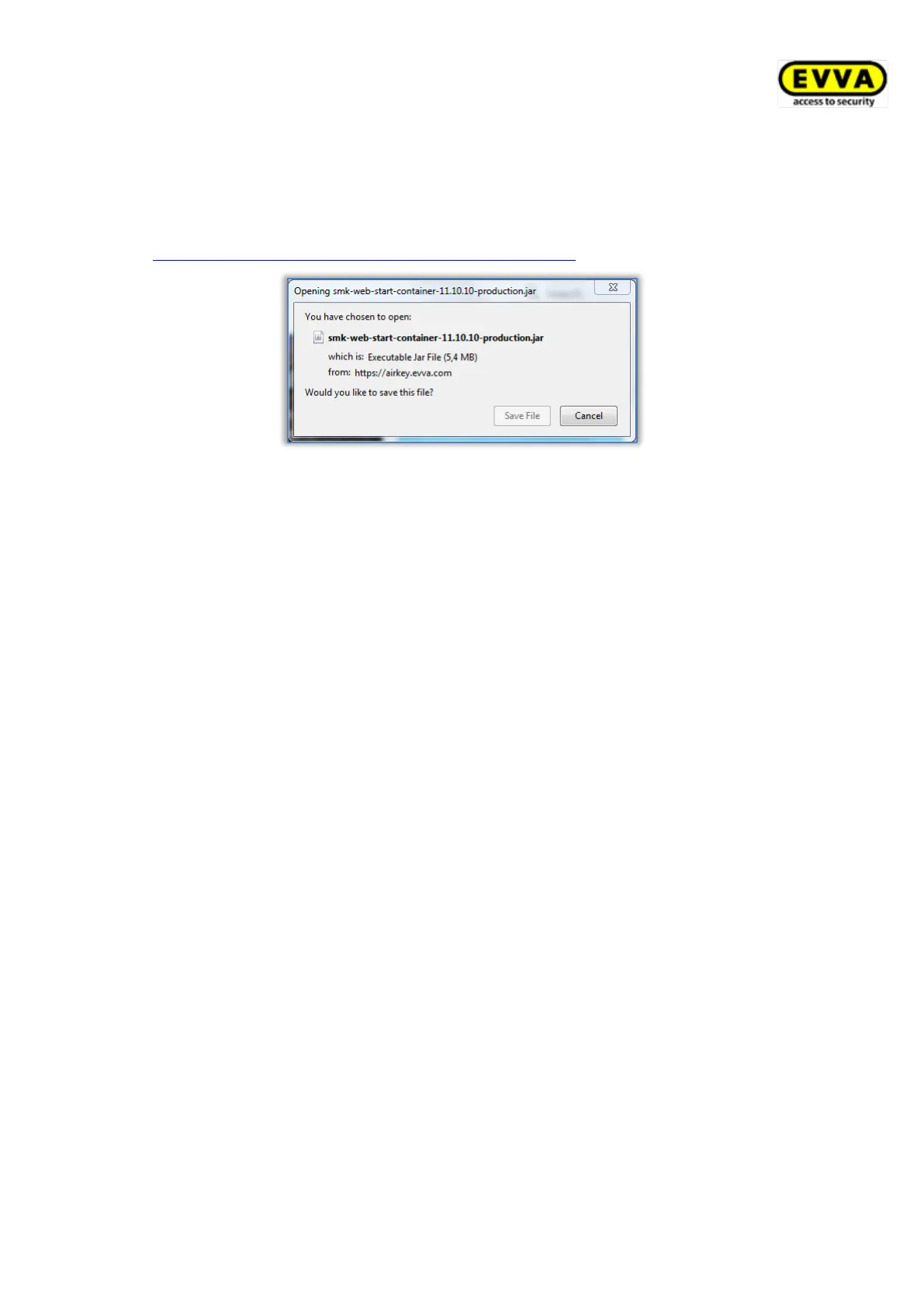
> Save the coding station application via the link
https://airkey.evva.com/smkrest/jnlp/newest-jar-file/ in the desired directory.
Figure 17: Download coding station application
> Open the command line and navigate to the directory where the coding station
application was previously stored.
> Start the coding station application with the following command:
java -jar <filename>
(e.g. web-start-container-customer-15.10.0-8.jar)
In addition, you can specify the following optional parameters:
• -reader "<name of the coding station>": With this parameter, a specific
coding station (e.g. "HID Global OMNIKEY 5022 Smart Card Reader 0") can be
used. In this case, the configuration file config_customer.json is ignored.
• -port <VALUE [1024-65535]>: If this parameter is not specified, the port
50743 is used by default. Port 50743 is also used if the coding station is used
via the AirKey Online Administration in the browser. If you want to use several
coding stations in parallel on one computer, you must specify a separate port
for each coding station. With the parameter "-port 0", a random port is used.
• -configDir <VALUE>: The configuration file config_customer.json is saved
in the specified folder (default value for Windows: %USERPROFILE%\.airkey).
This is automatically generated the first time the coding station application is
started and saves the last settings used.
• -workDir <VALUE>: For example, the log file logs\application.log is
created in the specified folder when the coding station application is started.
All actions that were performed with the coding station application are logged
in this file. If you use several coding stations in parallel, it makes sense to use
a separate folder for each coding station.
• -notify <filename>: Defines an executable file / script that can forward the
lockingSystemID as a hex string (argument1) or as a long-int (argument2) of
an successfully updated access medium to a third party system. This
parameter is mainly relevant for the integration of AirKey into third party


 To Next Page
 Loading...