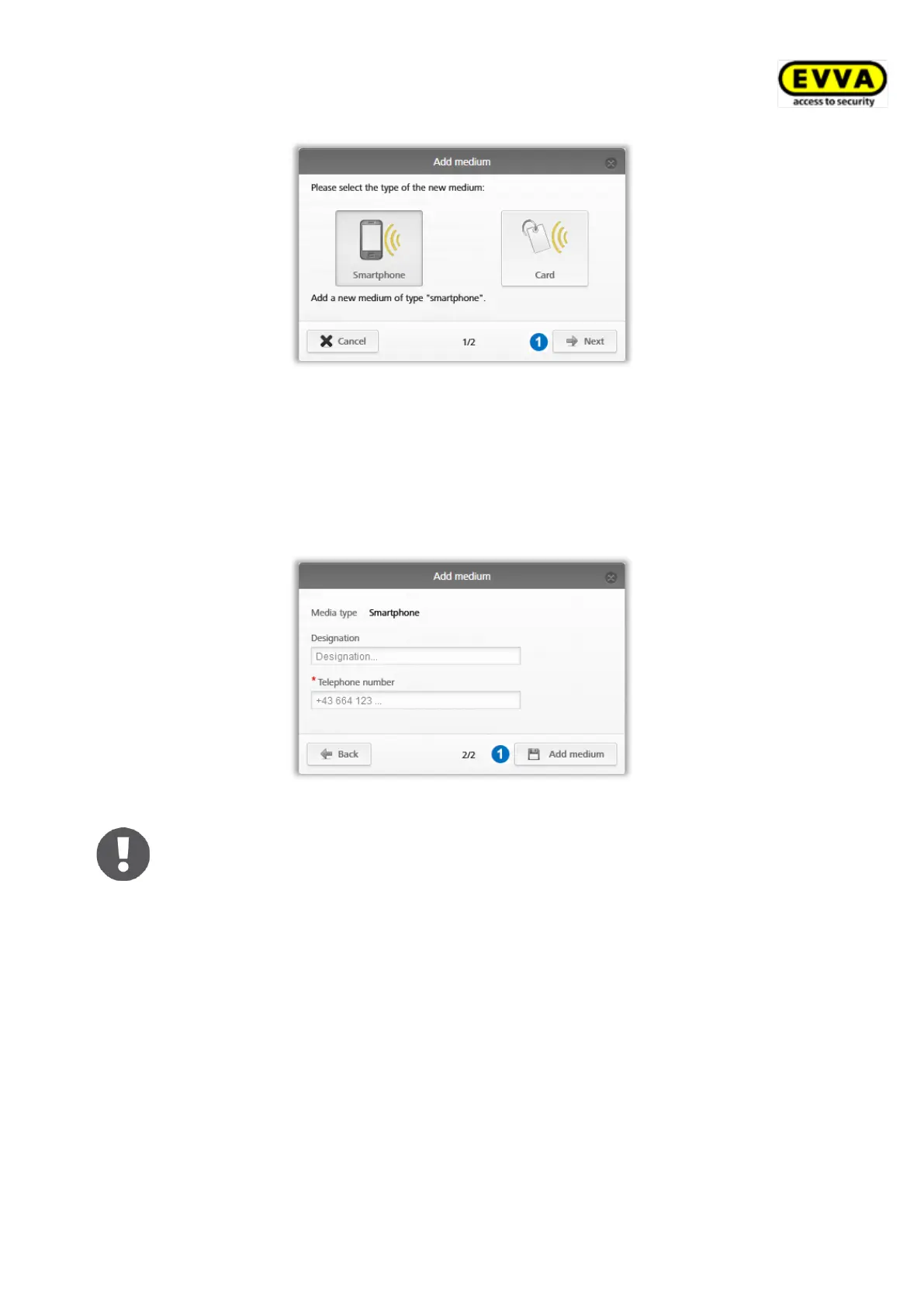
Figure 40: New smartphone or card media
> Select Smartphone as the new medium and click Next .
> Enter unique information (e.g. smartphone type) in the "Designation" field.
> Enter the phone number of the smartphone. The phone number must begin with +
and country code, and may contain a maximum of 50 characters (+, 0-9, and spaces).
> Click Add medium .
Figure 41: Adding new media
An error message will appear if the telephone number is invalid or the tele-
phone number has already been created.
Now you are in the details section of this smartphones.
> Click Create registration code if you have not yet created a registration code.


 To Next Page
 Loading...