Depending on the smartphone’s network availability it may take some time
until it receives the Registration code text message (SMS).
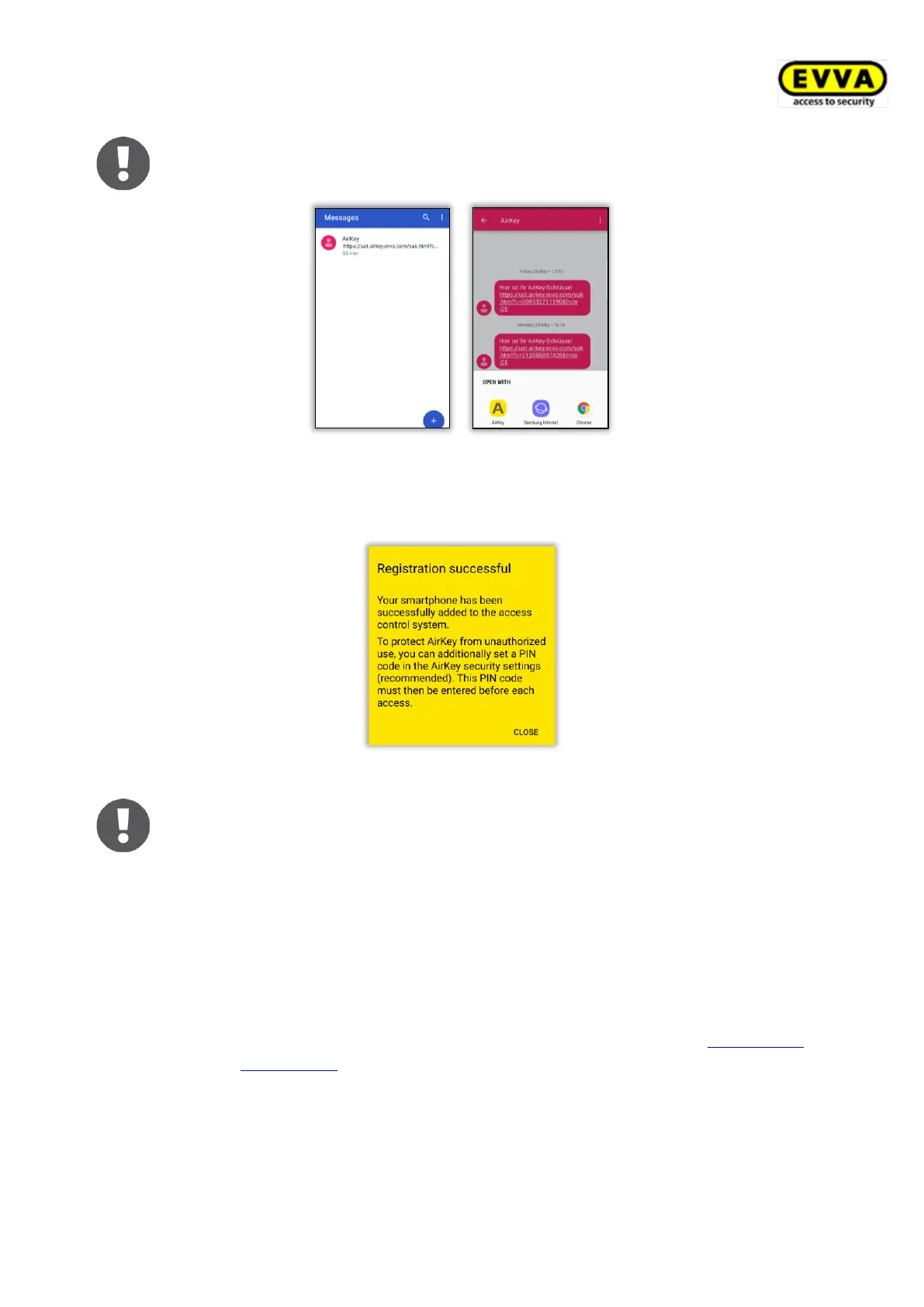
Figure 50: Text message (SMS) with link – shown here on a Samsung Galaxy S7 Edge
> After opening the link from the SMS with AirKey, the registration is automatically
started and executed.
Figure 51: Registration successful
Proceed as follows if you have not yet installed the AirKey app on the
smartphone:
> Tap the link in the text message (SMS) and install the app on the
smartphone.
> Start the AirKey app.
> On Android smartphones the registration is started and executed
automatically. On iOS smartphones, enter your phone number and
confirm with Continue. (The Scan QR code button is only required in
conjunction with a smartphone replacement. Details about the
smartphone replacement can be found in the chapter Smartphone
replacement.)


 To Next Page
 Loading...