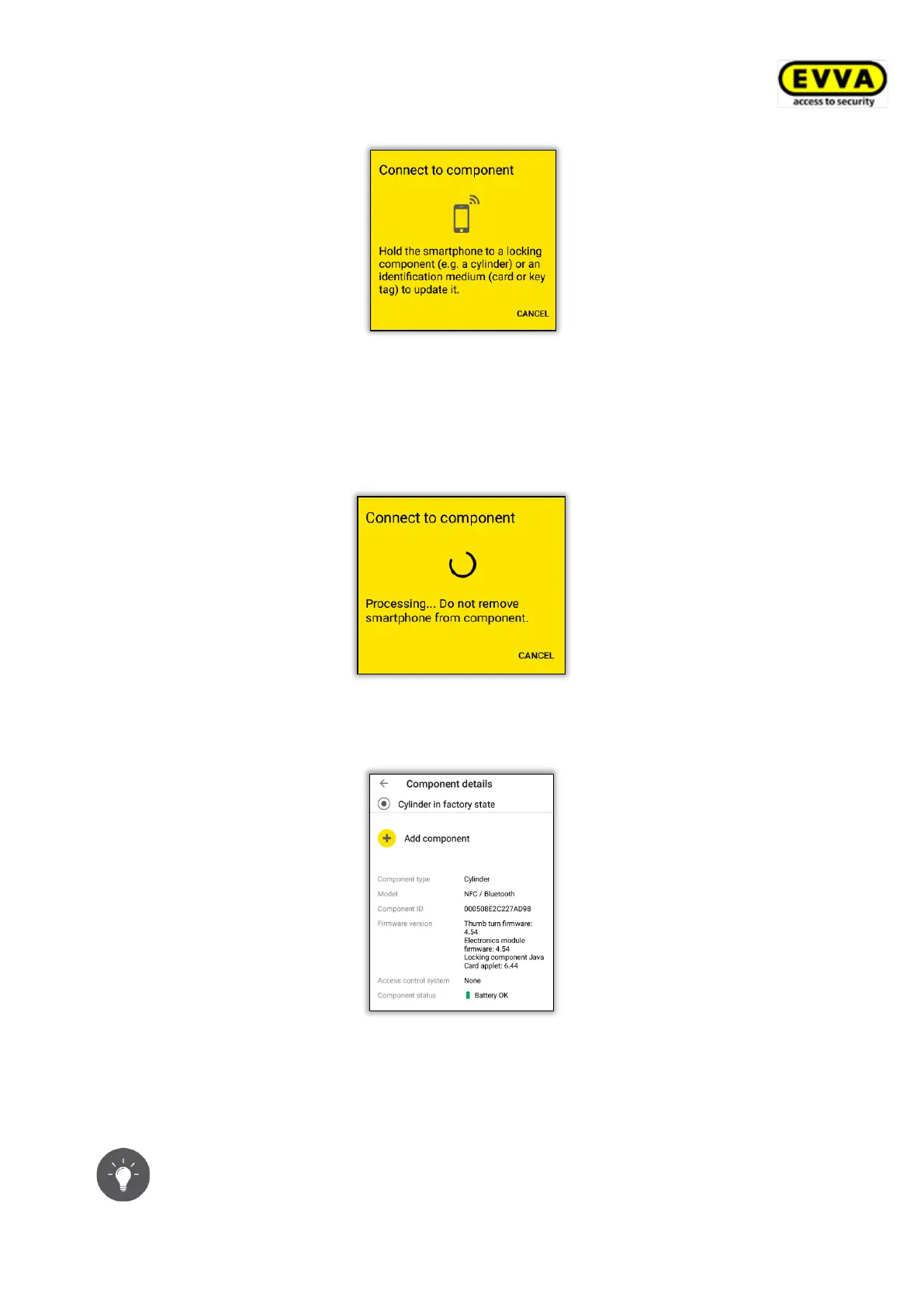
Figure 56: AirKey app – connecting to component
> Hold the smartphone to the locking component in factory state or select the corres-
ponding locking component from the displayed component list within range. The
smartphone establishes a connection to the locking component. Do not remove the
smartphone from the locking component while it is establishing the connection.
Figure 57: AirKey app – connecting
> Now you see information about the locking component.
Figure 58: Adding components
> Tap Add component.
> Enter a unique designation for the locking component.
Make sure both sides of a double-sided cylinder have been configured within
the access control system. Assign a clear designation to each of the sides


 To Next Page
 Loading...