AirKey system manual version 2.7 |
06/03/2024 | Subject to technical changes and misprints
on cylinders with double-sided access. Create an area that features both
sides of the cylinder and assign an area authorisation to obtain the same
authorisation for both sides.
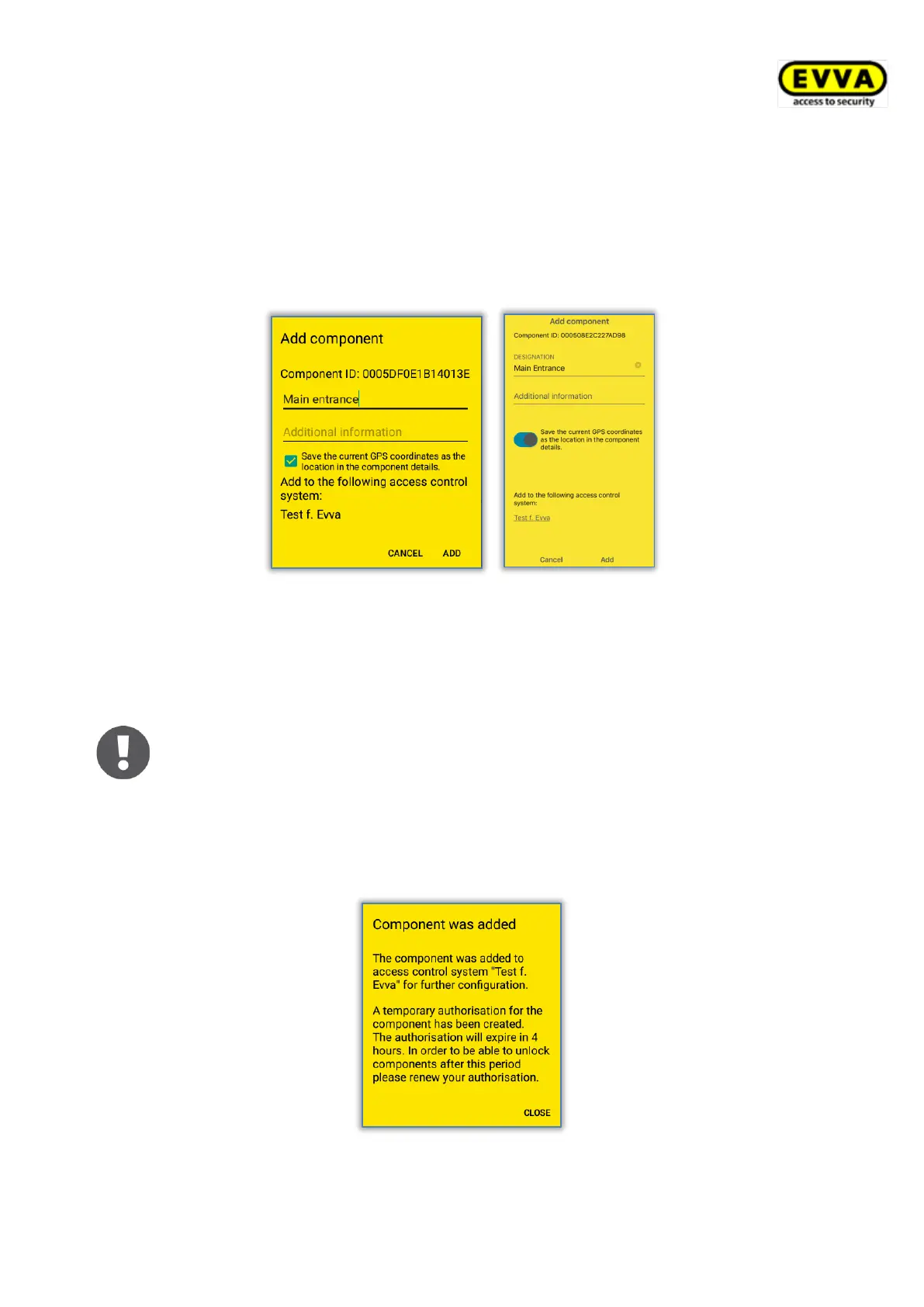
> Select the access control system to which you would like to add the locking compo-
nent if the smartphone with active maintenance authorisation is registered in several
access control systems.
Figure 59: AirKey app – adding locking components Android/iPhone
> Tap Add.
> Now once again hold the smartphone to the locking component to complete the
process. Bluetooth connection will be established automatically.
The system checks the data and updates the locking component.
In this process, do not remove the smartphone from the locking
component.
> A confirmation prompt completes the process. The locking component is now
available for management in the AirKey Online Administration.
Figure 60: AirKey app – locking component added


 To Next Page
 Loading...