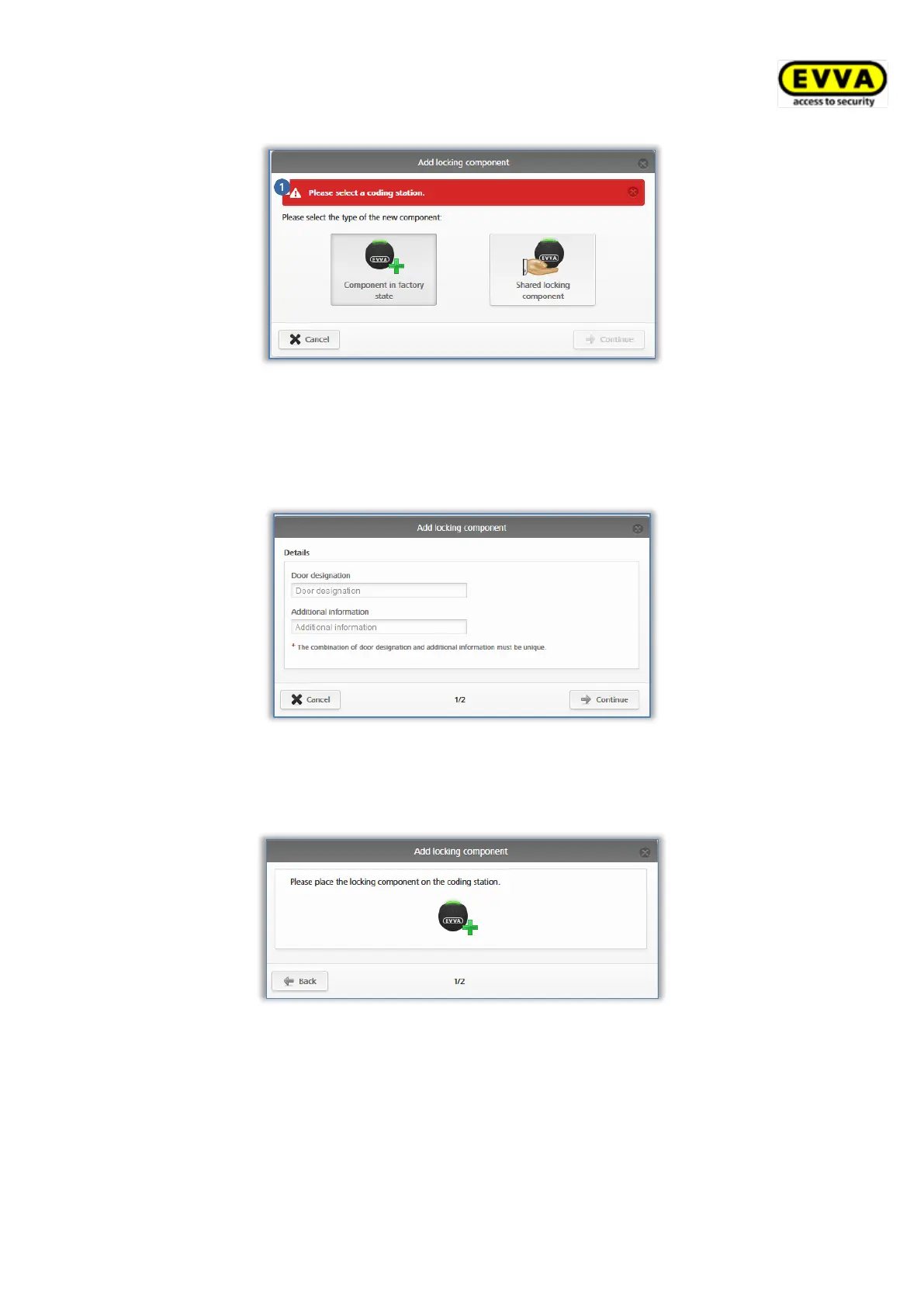
Figure 63: Adding locking components / no coding station
> Select Component in factory state.
> Click Continue.
> Enter the door designation in the following dialogue window and click Continue.
Figure 64: Adding locking components – assigning names
> Follow the on-screen instructions and place the locking component on the coding
station.
Figure 65: Adding locking components
> A confirmation prompt appears and the locking component is added to the access
control system.



 To Next Page