> In the main menu select Administrators → Administrators.
The system shows a list of all administrators.
Search for administrators, sort columns and restrict the number of entries shown per page in
the list on screen as well as export the list to a CSV file.
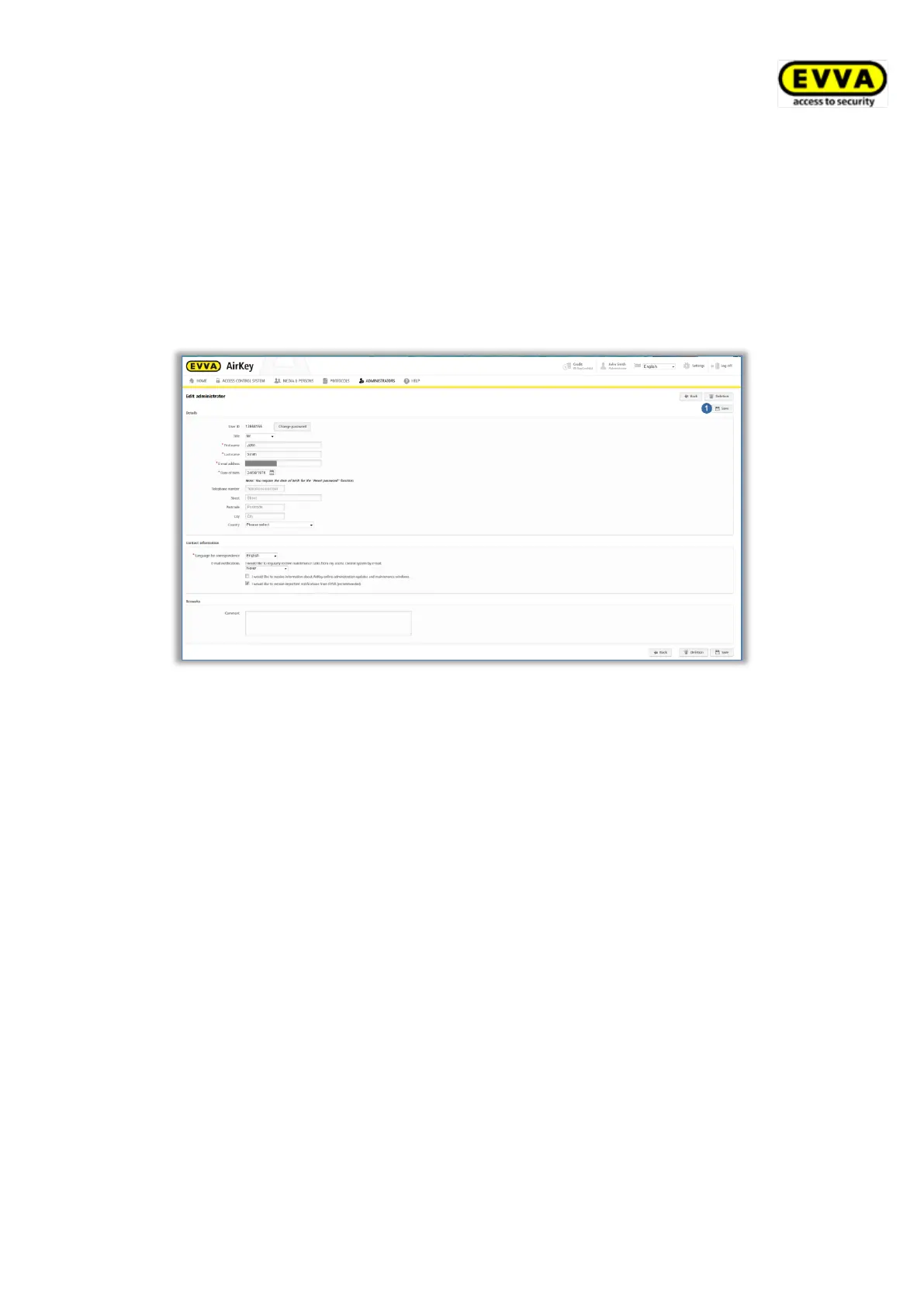
> Click the administrator whose details you would like to change.
> Change the desired data.
> Click Save .
Figure 104: Editing administrators
To manage the rights of sub-administrators follow these steps:
> In the main menu, select Administrators → Administrators.
The list with all valid administrators is displayed.
> Click on the sub-administrator whose rights you want to change.
> Switch to the Manage rights tab.
> By selecting the checkboxes, you can choose which areas and locking components
the sub-administrator is allowed to view and assign authorisations for.


 To Next Page
 Loading...