The manual office mode can also be activated using access media. In this
process, hold the access medium to the locking component, briefly remove
it from the reader area and once again hold it to the reader for a second
time during the release duration. Proceed identically to end manual office
mode.
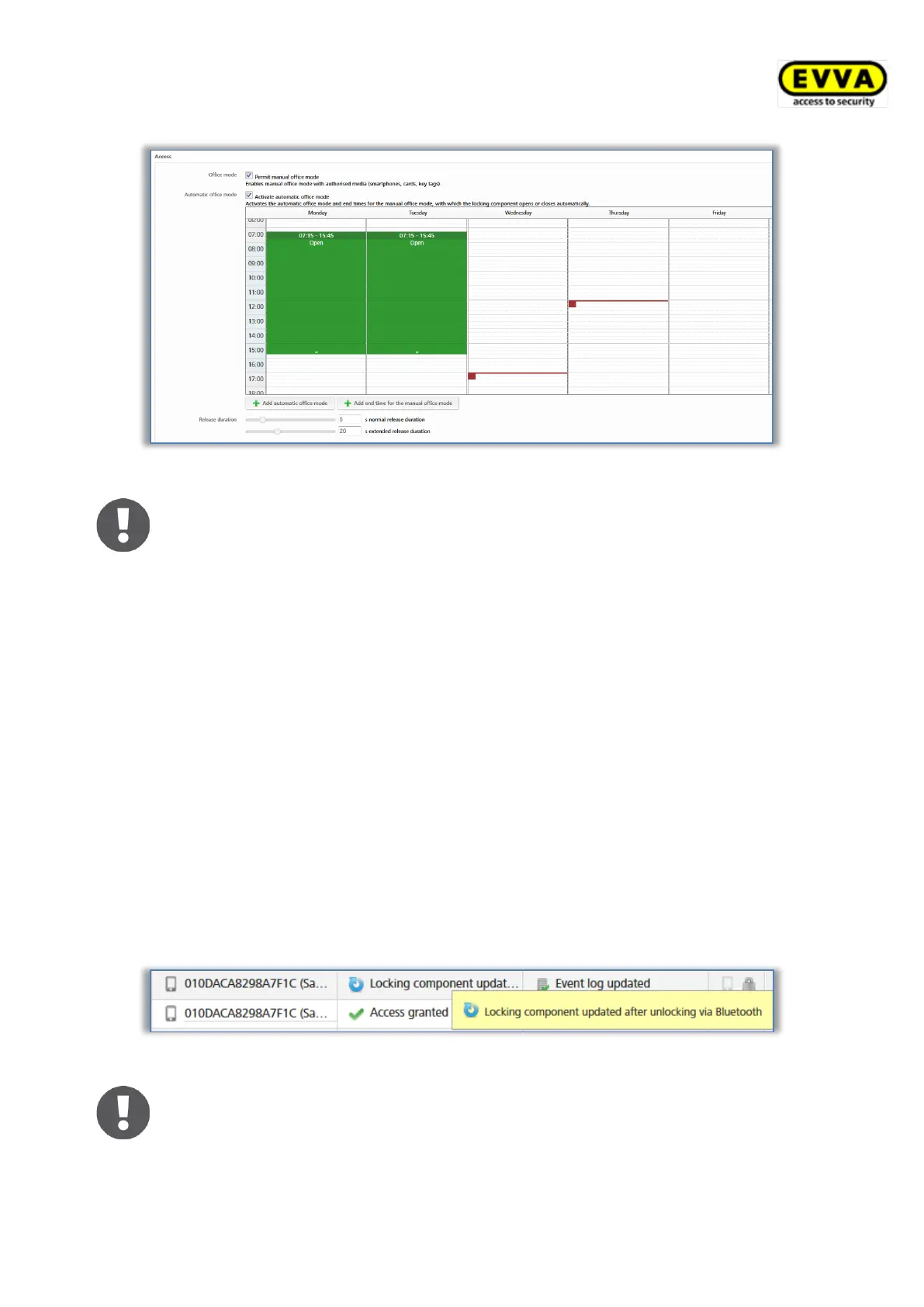
The release duration specifies how long the locking component is unlocked when using a
locking component (i.e. within the context of cylinders this is the period users have to
manually turn the cylinder’s thumb turn). The standard release duration is 5 seconds and
the extended release duration amounts to 20 seconds. Adapt the release duration
individually here. The period can be adapted between 1 second and 250 seconds.
The Update after each unlocking option can be used to activate whether the locking
component should be updated after each successful Bluetooth unlocking. Regardless of this,
the locking component is updated each time it is unlocked with a smartphone via Bluetooth,
if at least 6 hours have passed since the last complete actualisation.
This update is not visible to the user. Neither a signal is shown, nor a message is displayed
on the smartphone.
The action can be seen from the administrators in the event log of the AirKey Online
Administration.
Figure 129: Event log – update after unlocking


 To Next Page
 Loading...