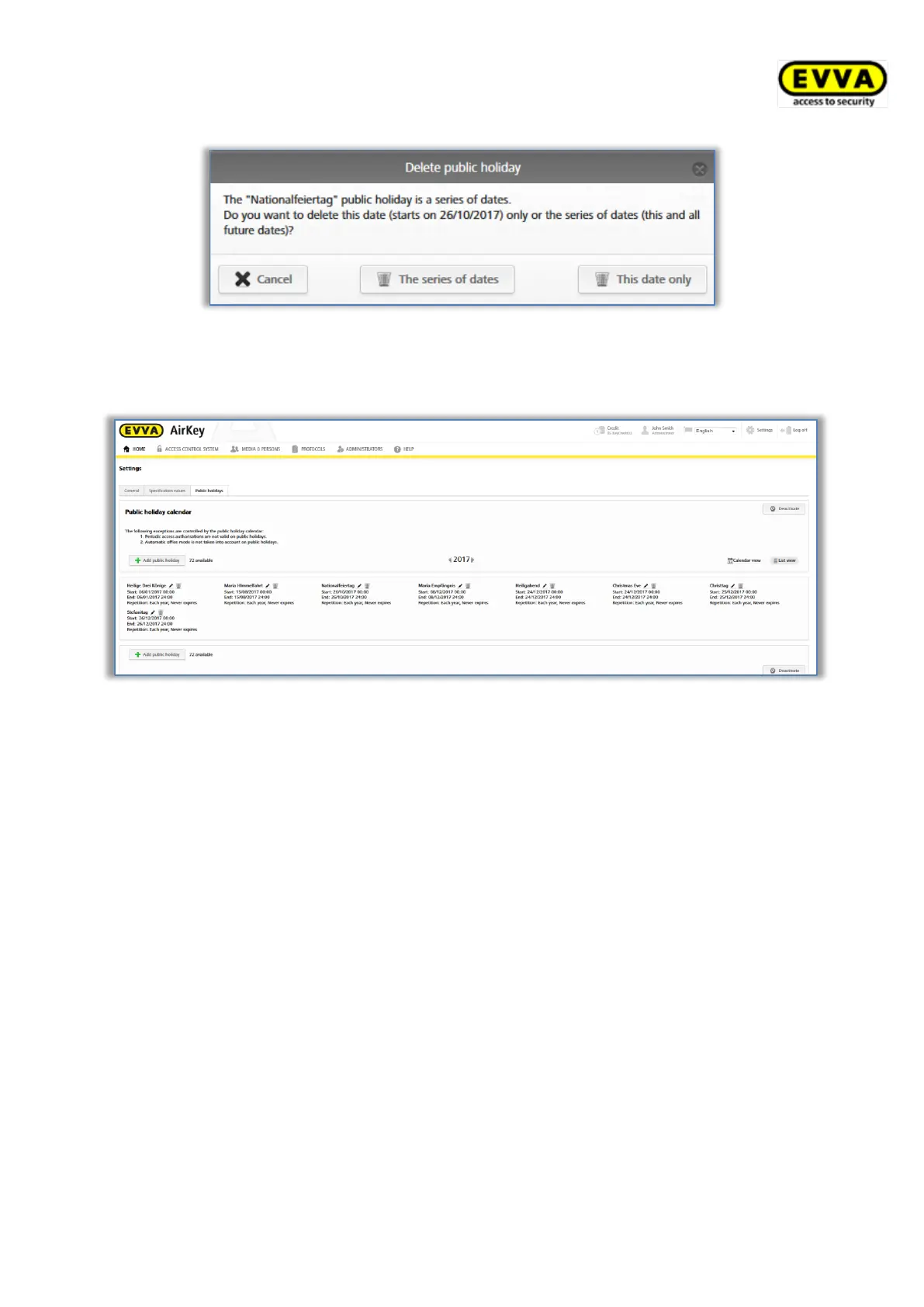
Figure 136: Deleting holidays
As soon as you have entered deadlines, (company) holidays or holidays in the calendar, the
system shows you a list overview of all saved holidays, etc.
Figure 137: Holiday calendar (list view)
Select the Deactivate button to globally deactivate the holiday calendar for the access
control system and not save it for added locking components.
5.5 Access control system
Thanks to the tiles on the Home screen as well as the menus and sub-menus in the Access
control system main menu you can manage your electronic access control system.



 To Next Page