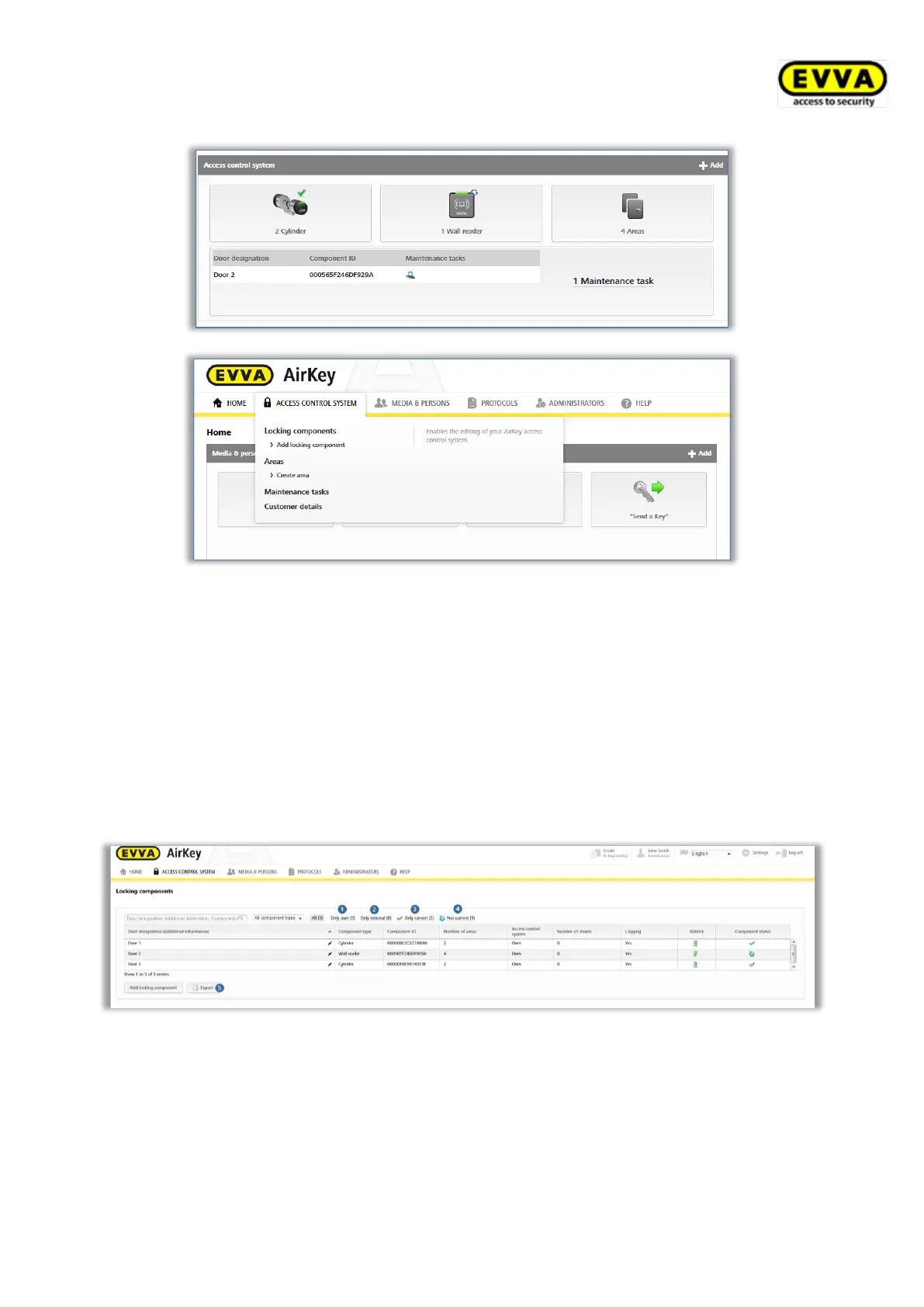
Figure 138: Access control system
5.5.1 Locking component overview
For an overview of all locking components within your access control system from the Home
screen click the Cylinders or Wall readers tile or go to Access control system →
Locking components in the main menu. The Home screen shows how many cylinders or
wall readers have been integrated into your access control system at a glance.
All locking components with additional information as well as their status are listed. The first
row of the list features the search field as well as filter functions for locking components.
Figure 139: Locking components
> "Only own" exclusively lists your own locking components
> "Only external" exclusively lists locking components that have been authorised by
an administrator.
> "Only current" exclusively lists locking components where the status is up to date.


 To Next Page
 Loading...