On the Home screen, click the Areas tile or select Access control system → Areas in the
main menu for a list of all areas including their individual states.
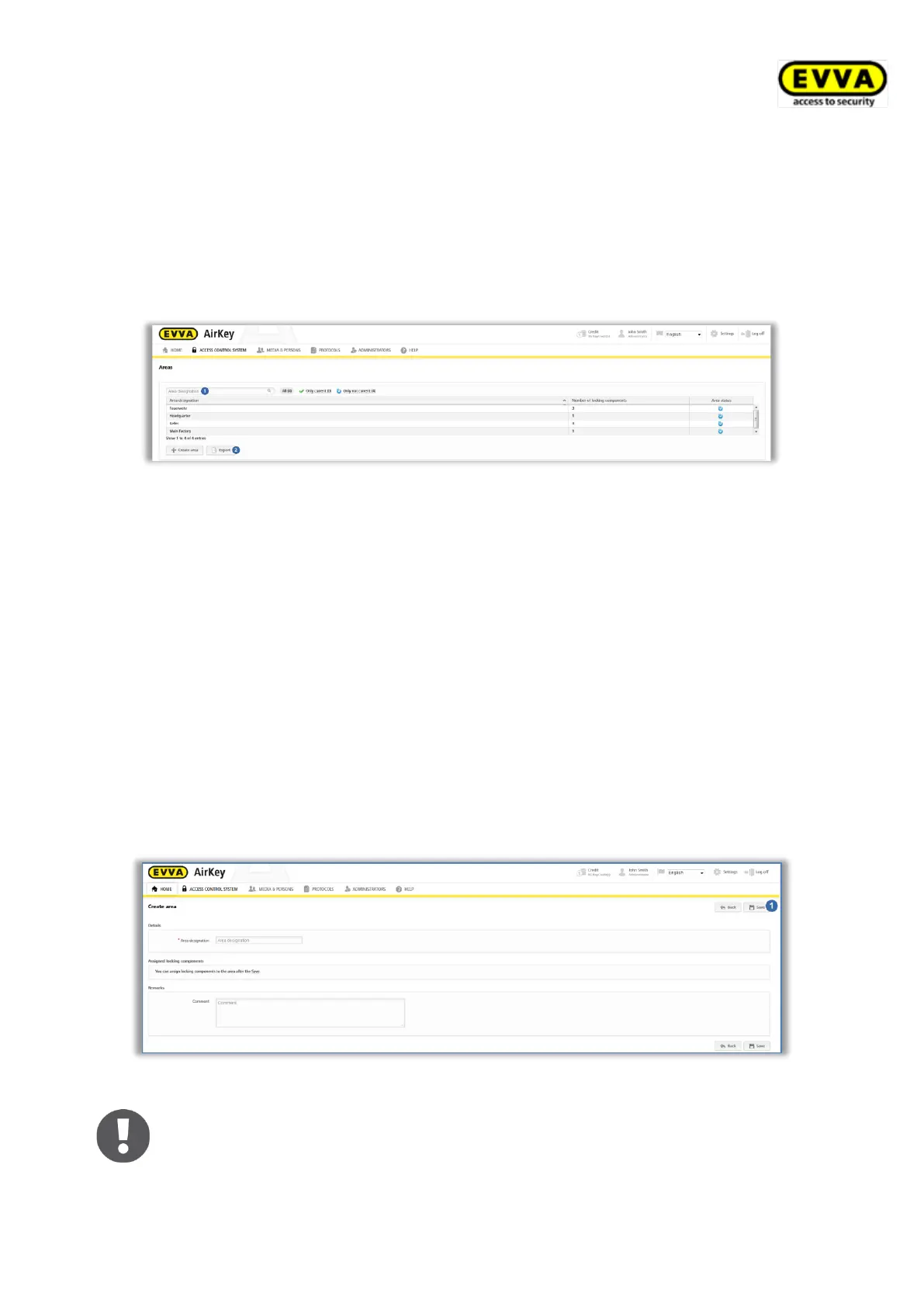
The list of areas enables the following adaptations:
> Enter a search term with a minimum of three characters in the search field .
> Click the corresponding column heading to determine it as the sorting criterion.
> Export the area list to a CSV file for further processing .
Figure 148: Access control system – areas
> Select the desired area from the list to view the details of the selected area.
5.5.6 Creating areas
No areas have been defined as standard. You must create new areas to be able to add
locking components to areas.
> On the Home screen in the grey Access control system section, click Add →
Create area.
> Alternatively, select Access control system → Create area in the main menu.
> Specify a unique designation for the area.
> Document any additional information on the area in the Comment field of the
Remarks section.
> Click Save .
Figure 149: Creating areas
The system reports "The area has been saved" once you have created an
area. You can only add locking components to areas once they have been
successfully saved.


 To Next Page
 Loading...