■
Redial or Backdial List
Either of the two lists can save up to 10 entries. When the list
is full, the oldest entry will be overwritten by the latest one
automatically.
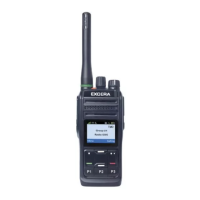
Redial List
All outgoing calls are saved in the Redial List.
■
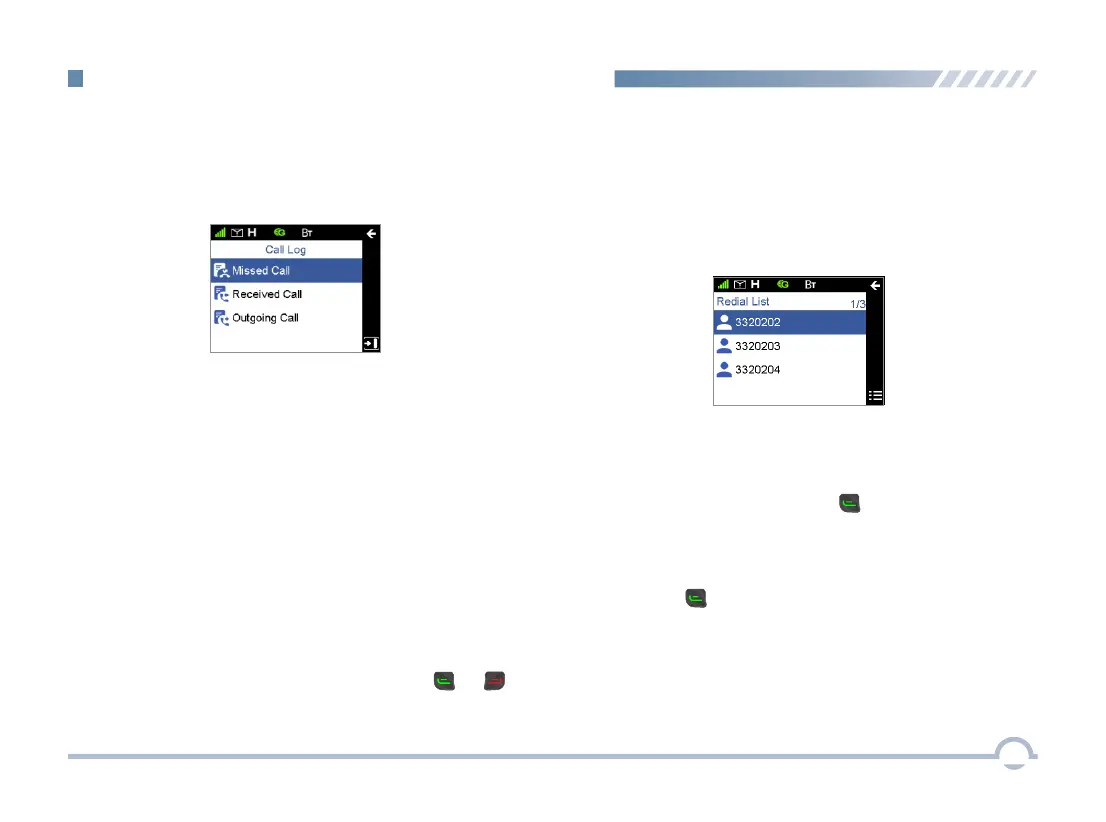
Call Log
To access this item, press the Menu key in the home screen
and then select “Call Log”.
The radio can save up to 200 call entries under this option.
When the Call Log is full, the oldest entry will be overwritten
by the latest one automatically.
● For each call entry, you can choose to perform any of
these operations: View and Delete.
● To delete all call entries in the Missed/Incoming/Outgoing
Call list, select "Call Log -> Missed/Incoming/Outgoing
Call-> Selected Call -> Delete All".
You may follow the procedure below to make a call through
the Redial List.
Procedure:
1. In the home screen, press the key to access the
Redial List.
2. Press the Up/Down key to select an entry you want to
call.
3. Press the or PTT key to make the call.
To access the Redial or Backdial List, press the or
key in the home screen.
● For each call entry, you can choose to perform any of
these operations: View and Delete.
● To delete all call entries in the list, select "Redial List ->
Selected Call -> Delete All".
27
DMR Trunking Functions and Operations


 To Next Page