Getting Started with Your Unit
OTAU-9150 27
Connecting Your Unit to a Power Source
To connect your unit to AC power:
1. Ensure all power is off or disconnected at the source.
2. Ensure that the unit is grounded properly. For more information,
see Grounding Your Unit on page 21.
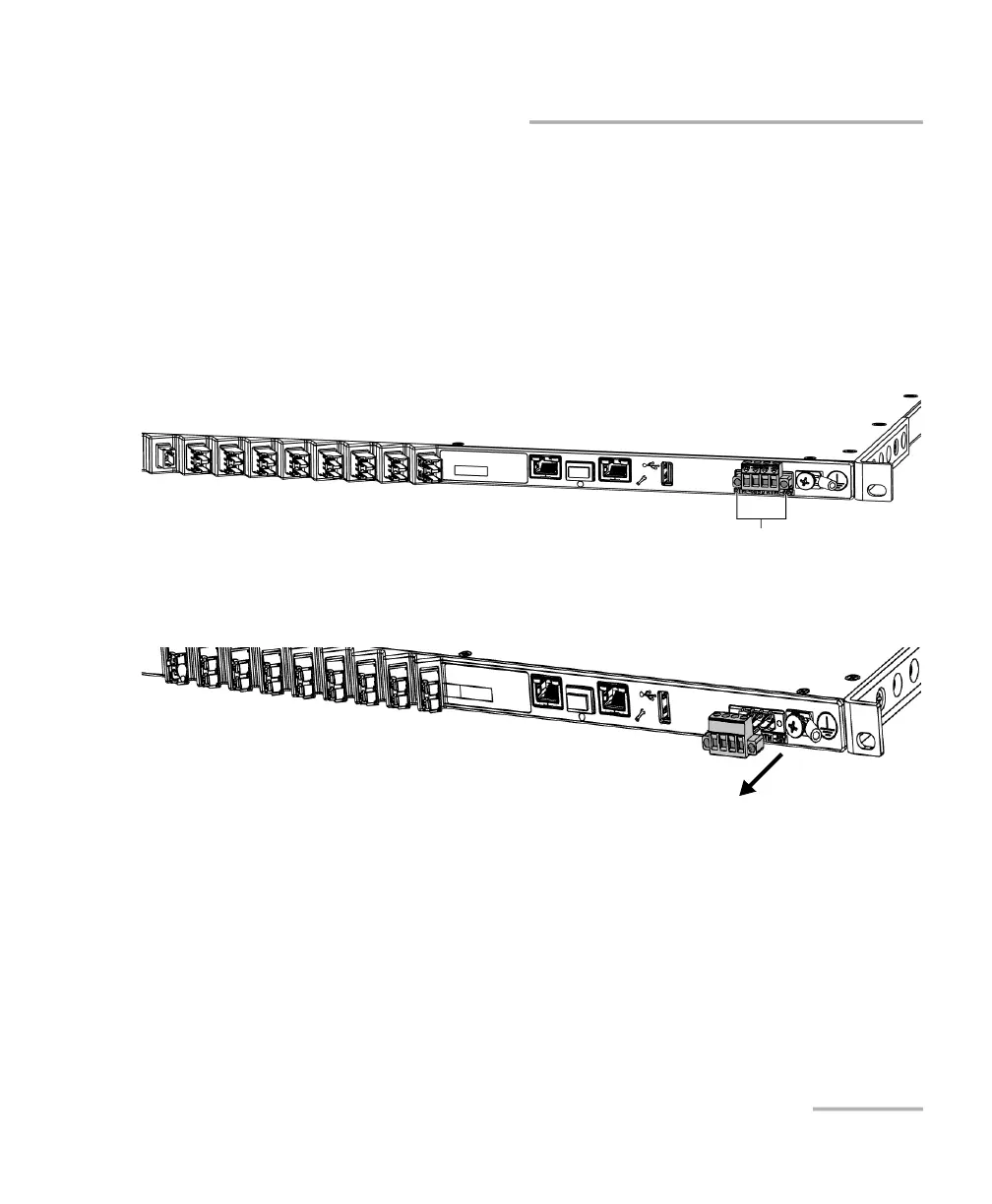
3. If necessary, remove the block terminal (shown in gray below) as
follows:
3a. Unscrew the two screws holding the terminal block in place.
3b. When the terminal block is loose, gently pull it toward you to
remove it, exposing the electrical connectors.
Screws



 To Next Page