Maintenance
48 OTAU-9150
Cleaning SC or LC Connectors
Cleaning SC or LC Connectors
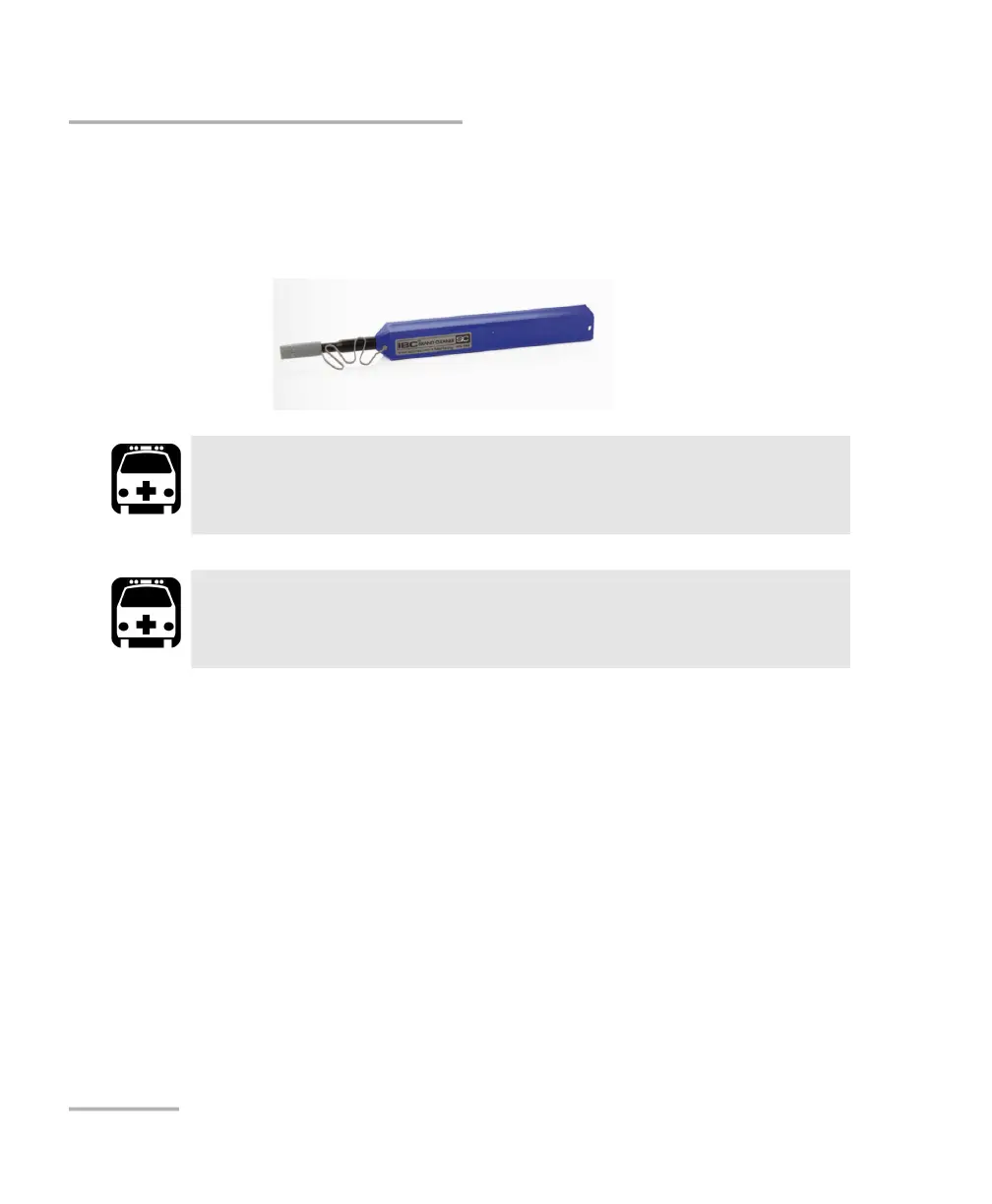
You can clean the SC or LC connectors of your unit using a mechanical
cleaner.
To clean a connector using a mechanical cleaner:
1. Insert the mechanical cleaner into the optical adapter, and push the
outer shell into the cleaner.
Note: The cleaner makes a clicking sound that indicates that the cleaning is done.
2. Verify connector surface with a fiber inspection probe (for example,
EXFO’s FIP).
WARNING
Never look directly into a live fiber. It could cause serious eye
damage. Always use a Fiber Inspection Probe.
WARNING
Before cleaning the connectors, you should suspend the tests to
avoid hazardous radiation exposure.



 To Next Page