Troubleshooting
OTAU-9150 63
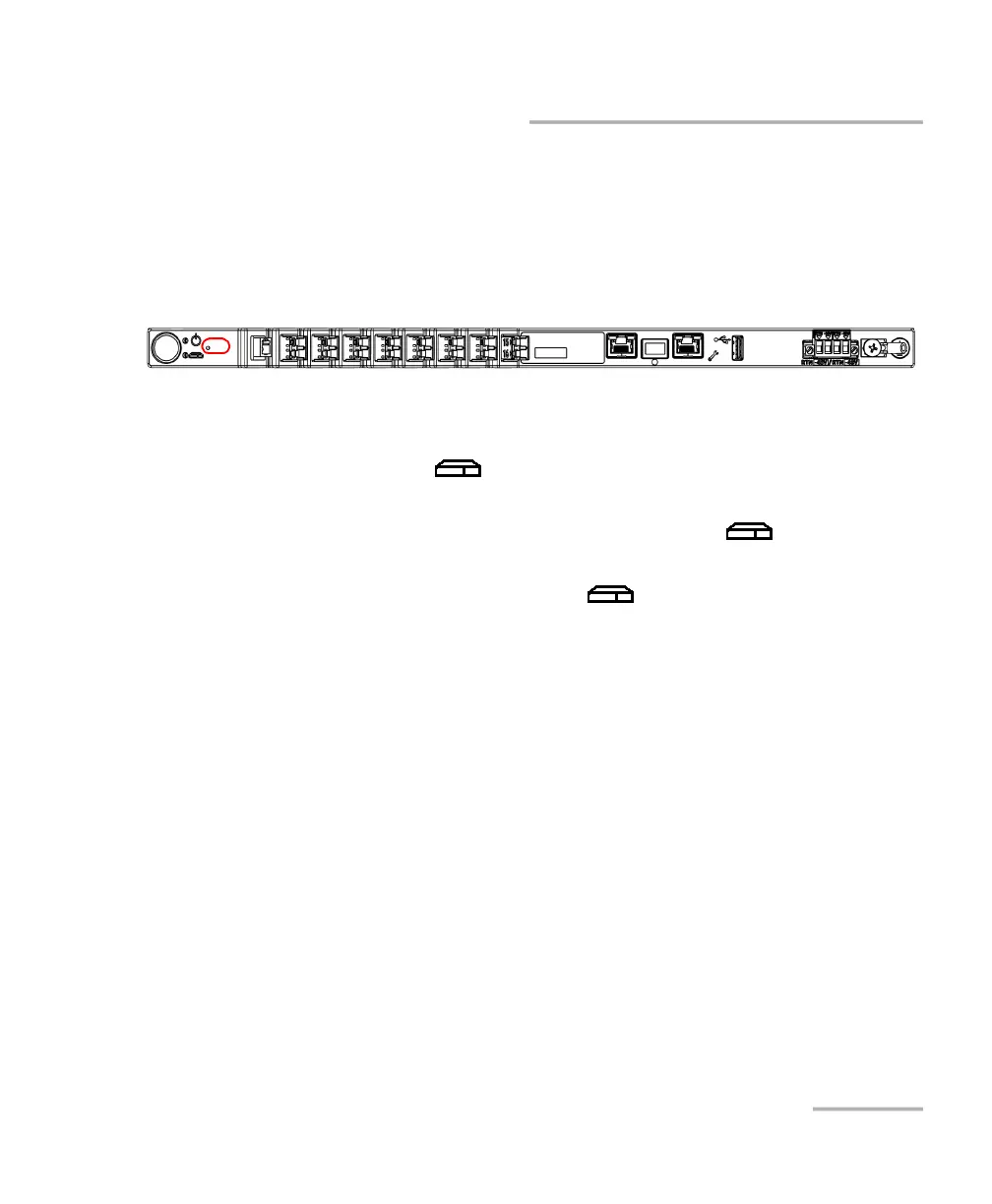
Restoring Your Unit to Normal Operation
To restore your unit to its factory state without the Nova Fiber
application:
1. Turn off you unit.
2. Insert the end of an unbent paper clip into the tiny hole to access the
reset button.
3. While you keep pushing on the paper clip, turn on the unit. Do not
remove the paper clip yet.
4. As soon as the (System) LED starts blinking rapidly, remove the
paper clip.
The restoring process is now underway and the (System) LED
will keep blinking rapidly. Your unit will restart automatically.
Once your unit has restarted, its (System) LED will blink slowly
during the whole initialization. You will know that the operation is
complete when the LED becomes steady green.
Note: The restoring process may take a few minutes to complete.
5. Configure your unit as you did when you first received it (see Working
With Your Unit for the First Time on page 33).



 To Next Page