EasyManua.ls Logo

Exploit Hermes 2000 - Lightning Margins; Margin Release and Jammed Type Bars; Touch Regulator

Default Icon
16 pages
Print Icon
To Next Page IconTo Next Page
To Previous Page IconTo Previous Page
Loading...
General
Rules
Drawing
Lines
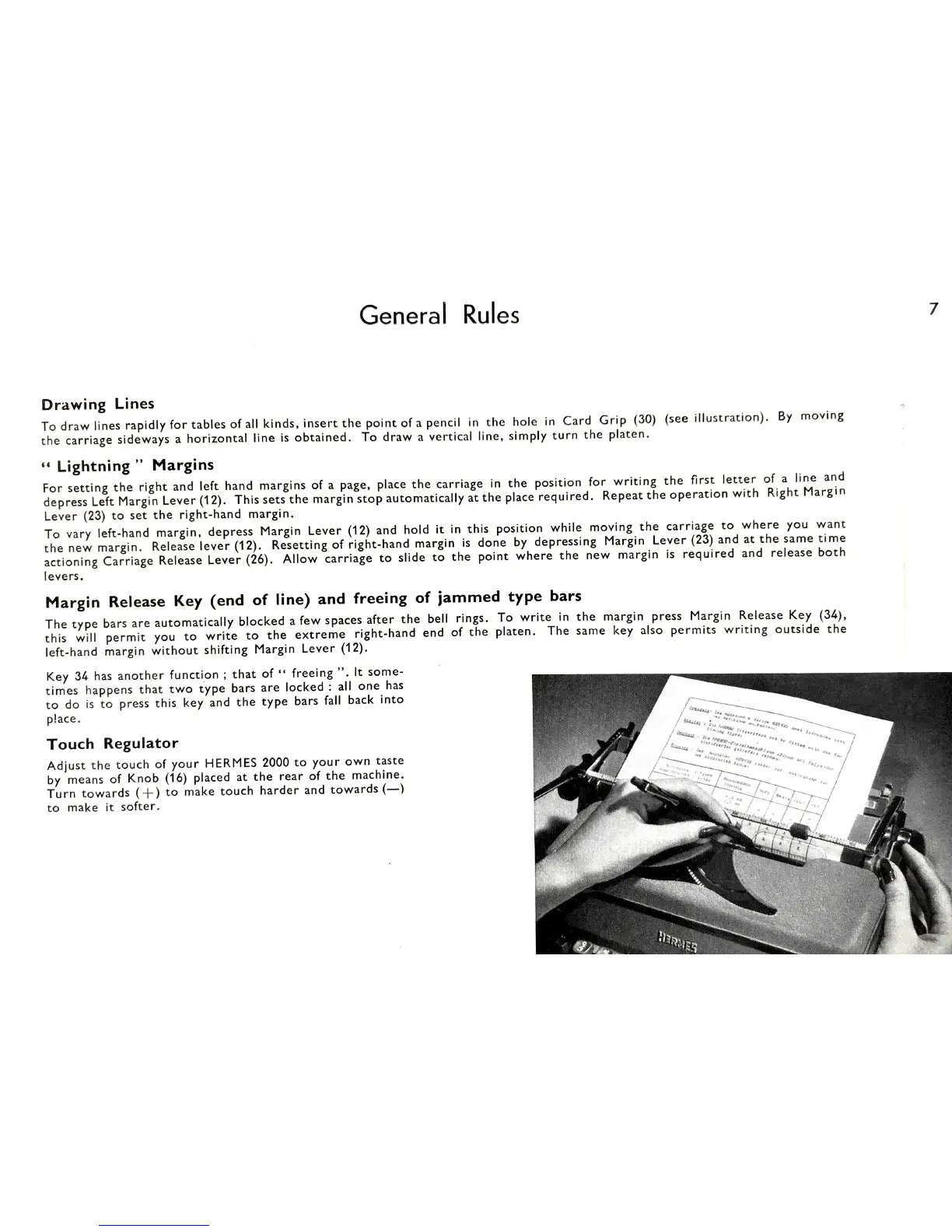
To
draw
lines
rapidly
for
tables
of
all
kinds.
insert
the
point
of
a
pencil
in
the
hole
in
Card
Grip
(30)
(see
illustration).
By
moving
the
carriage
sideways
a
horizontal
line
is
obtained.
To
draw
a
vertical
line,
simply
turn
the
platen.
Lightning
Margins
For
setting
the
right
and
left
hand
margins
of
a
page,
place
the
carriage
in
the
position
for
writing
the
First
letter
of
a
line
and
depress
Left
Margin
Lever
This
sets
the
margin
stop
automatically
at
the
place
required.
Repeat
the
operation
with
Right
Margin
Lever
(23)
to
set
the
right-hand
margin.
To
vary
left-hand
margin,
depress
Margin
Lever
(12)
and
hold
it
in
this
position
while
moving
the
carriage
to
where
you
want
the
new
margin.
Release
lever
Resetting
of
right-hand
margin
is
done
by
depressing
Margin
Lever
(23)
and
at
the
same
time
actioning
Carriage
Release
Lever
Allow
carriage
to
slide
to
the
point
where
the
new
margin
is
required
and
release
both
levers.
Margin
Release
Key
(end
of
line)
and
freeing
of
jammed
type
bars
The
type
bars
are
automatically
blocked
afew
spaces
after
the
bell
rings.
To
write
in
the
margin
press
Margin
Release
Key
this
will
permit
you
to
write
to
the
extreme
right-hand
end
of
the
platen.
The
same
key
also
permits
writing
outside
the
left-hand
margin
without
shifting
Margin
Lever
Key
34
has
anotherfunction;
that
of
freeing
”.
It
some-
times
happens
that
two
type
bars
are
locked
:
all
one
has
to
do
is
to
press
this
key
and
the
type
bars
fall
back
into
place.
Touch
Regulator
Adjust
the
touch
of
your
HERMES
2000
to
your
own
taste
by
means
of
Knob
(16)
placed
at
the
rear
of
the
machine.
Turn
towards
(+)
to
make
touch
harder
and
towards
(—)
to
make
it
softer.