18
Selecting mode of operation
4
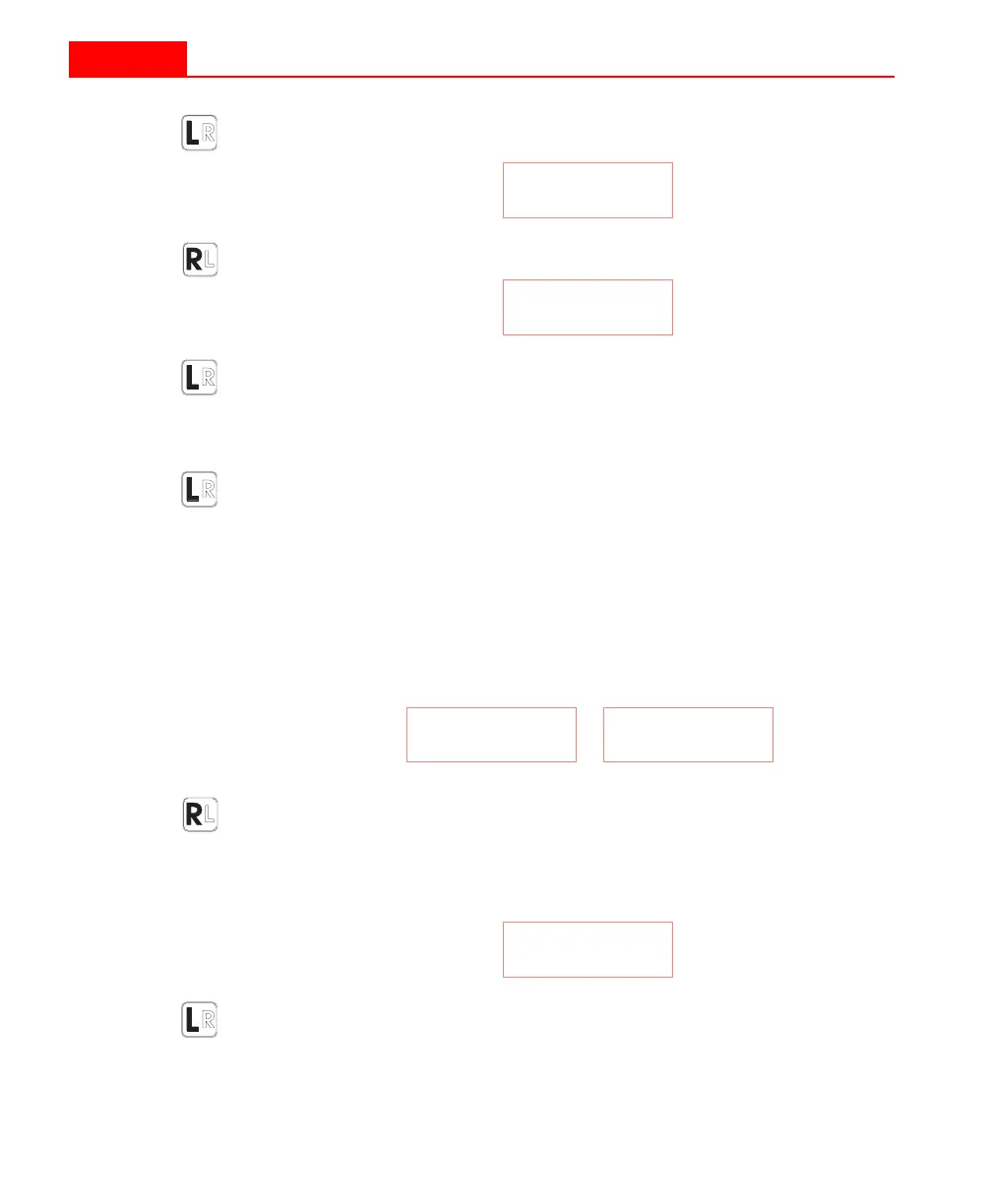
Press the
L
EFT
button until the A: (
ACCESS
) menu is
displayed, e.g.
5
Press the
R
IGHT
button to toggle to the desired mode, e.g.
6
Press the
L
EFT
button. If you have selected the
C
ORE
mode,
you will be presented with the d: menu for core diameter
selection. You will have to use the
R
IGHT
button to toggle
to the desired diameter.
7
Press the
L
EFT
button two times to get back to measure-
ment mode. You will pass through the C: menu in this step.
To select Scan mode
The scan mode can only be activated when the KT-9 is set to the
N
O
-P
IN
or
C
ORE
modes, i.e. the display should show either of the
following when in right-handed mode:
1
Press the
R
IGHT
button to check if the data memory is
empty. If the display does not show C: 0, then you will
have to clear the data memory as described in page 37.
2
The display should now show:
3
Press the L
EFT
button, while C: 0 is still displayed. The sensor
head should be kept at least 30 cm from any metallic objects
at this point to ensure a proper zero or free-air reading.
A: nP
A:Cor
r: nP
r:C x
C: 0
18
Selecting mode of operation
4
Press the
L
EFT
button until the A: (
ACCESS
) menu is
displayed, e.g.
5
Press the
R
IGHT
button to toggle to the desired mode, e.g.
6
Press the
L
EFT
button. If you have selected the
C
ORE
mode,
you will be presented with the d: menu for core diameter
selection. You will have to use the
R
IGHT
button to toggle
to the desired diameter.
7
Press the
L
EFT
button two times to get back to measure-
ment mode. You will pass through the C: menu in this step.
To select Scan mode
The scan mode can only be activated when the KT-9 is set to the
N
O
-P
IN
or
C
ORE
modes, i.e. the display should show either of the
following when in right-handed mode:
1
Press the
R
IGHT
button to check if the data memory is
empty. If the display does not show C: 0, then you will
have to clear the data memory as described in page 37.
2
The display should now show:
3
Press the L
EFT
button, while C: 0 is still displayed. The sensor
head should be kept at least 30 cm from any metallic objects
at this point to ensure a proper zero or free-air reading.
A: nP
A:Cor
r: nP
r:C x
C: 0



 To Next Page