30
Taking measurements
Additional readings
1
To take additional measurements, the above steps
2
to
8
are repeated.
4
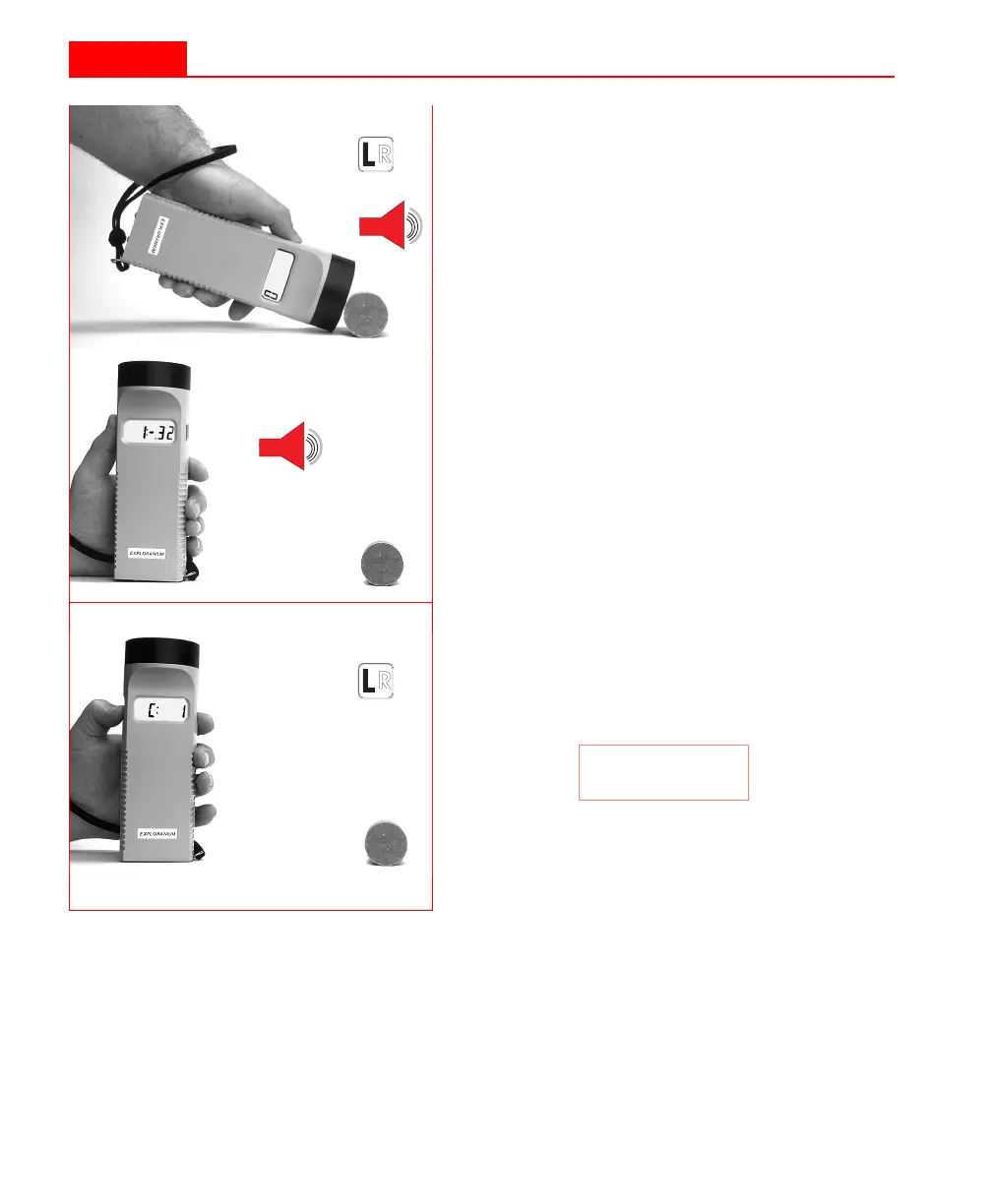
Place the sensor snugly against the core.
5
Press the L
EFT
button again to start the
measurement sequence.The KT-9 will
beep. Hold the unit on the sample for
about half a second.
6
Remove the KT-9 at least 30 cm away
from the sample.
7
After one second, the KT-9 will beep
again, and the true measured value will
be displayed.
8
Press the L
EFT
button to store this read-
ing in memory. The KT-9 is also now
ready to take the next measurement.
This is indicated by the incremented
value on the display, i.e.:
If a reading is not taken within 10 sec-
onds, then the instrument will re-set to
indicate the current operating mode.
C: 1
30
Taking measurements
Additional readings
1
To take additional measurements, the above steps
2
to
8
are repeated.
4
Place the sensor snugly against the core.
5
Press the L
EFT
button again to start the
measurement sequence.The KT-9 will
beep. Hold the unit on the sample for
about half a second.
6
Remove the KT-9 at least 30 cm away
from the sample.
7
After one second, the KT-9 will beep
again, and the true measured value will
be displayed.
8
Press the L
EFT
button to store this read-
ing in memory. The KT-9 is also now
ready to take the next measurement.
This is indicated by the incremented
value on the display, i.e.:
If a reading is not taken within 10 sec-
onds, then the instrument will re-set to
indicate the current operating mode.
C: 1



 To Next Page