50
Error messages
Error messages
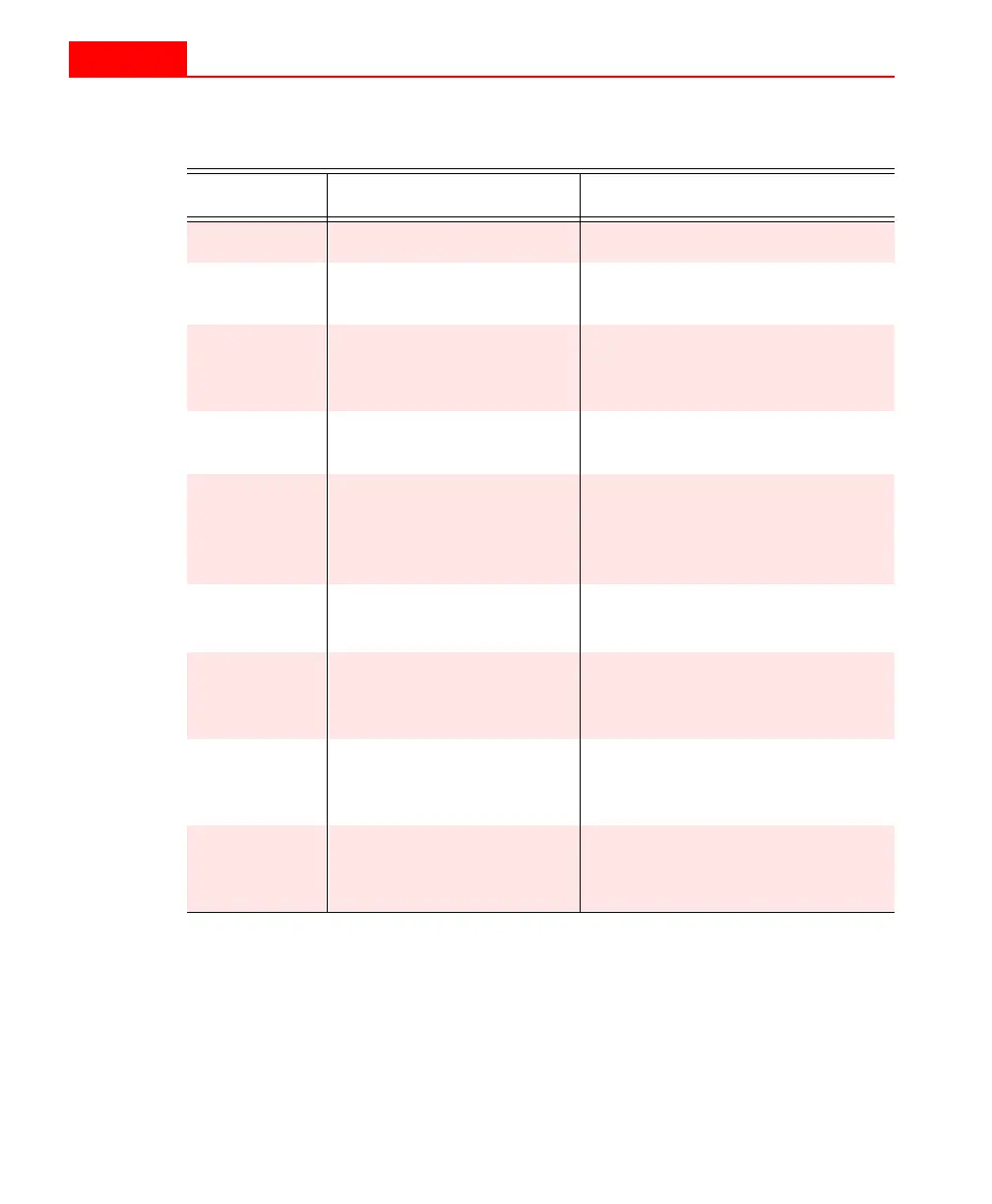
Display Meaning Action
Err 1
Battery charge is below 5.3V Replace the battery.
err 2
Internal memory error If this message persists, the unit
must be returned for repair.
Err 3
Wrong button pushed. Usually this means the P
IN
has
been depressed while in the
N
O
-P
IN
mode.
Err 4
P
IN
not depressed long
enough.
Repeat the measurement.
Err 5
Susceptibility is below
–0.99x10
-3
Take a measurement against a
known sample or calibration
standard to verify that the KT-9
is operating properly.
Err 6
Susceptibility is above
999x10
-3
See above for
Err 5
Err 7
Mode error:
P
IN
used for N
O
-P
IN
or
C
ORE
setting
Check that the mode of
operation is properly set.
Err 8
Communication error
with external computer
during calibration.
1. Check cable and connectors.
2. Contact E
XPLORANIUM
.
Err 9
Time-out error:
no data from external
computer
1. Check cable and connectors.
2. Ignore, if no computer used.
50
Error messages
Error messages
Display Meaning Action
Err 1
Battery charge is below 5.3V Replace the battery.
err 2
Internal memory error If this message persists, the unit
must be returned for repair.
Err 3
Wrong button pushed. Usually this means the P
IN
has
been depressed while in the
N
O
-P
IN
mode.
Err 4
P
IN
not depressed long
enough.
Repeat the measurement.
Err 5
Susceptibility is below
–0.99x10
-3
Take a measurement against a
known sample or calibration
standard to verify that the KT-9
is operating properly.
Err 6
Susceptibility is above
999x10
-3
See above for
Err 5
Err 7
Mode error:
P
IN
used for N
O
-P
IN
or
C
ORE
setting
Check that the mode of
operation is properly set.
Err 8
Communication error
with external computer
during calibration.
1. Check cable and connectors.
2. Contact E
XPLORANIUM
.
Err 9
Time-out error:
no data from external
computer
1. Check cable and connectors.
2. Ignore, if no computer used.



 To Next Page