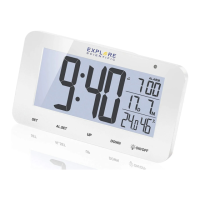
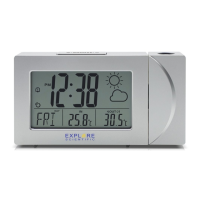
5
EN
IT
DE
FR
ES
NL
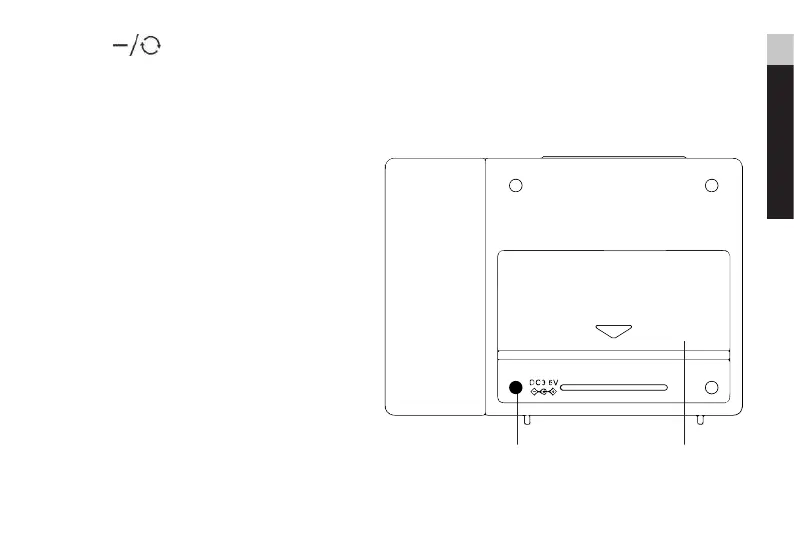
6. Press [ ] to switch between date
mode and the nearest coming alarm time.
In projection, press and hold to ip the
projection display in 180°. In setting mode,
press to decrease one unit, press and hold to
decrease rapidly.
7. Power jack.
8. Battery compartment. Slide down to open.



 To Next Page