5
EN
IT
DE
FR
ES
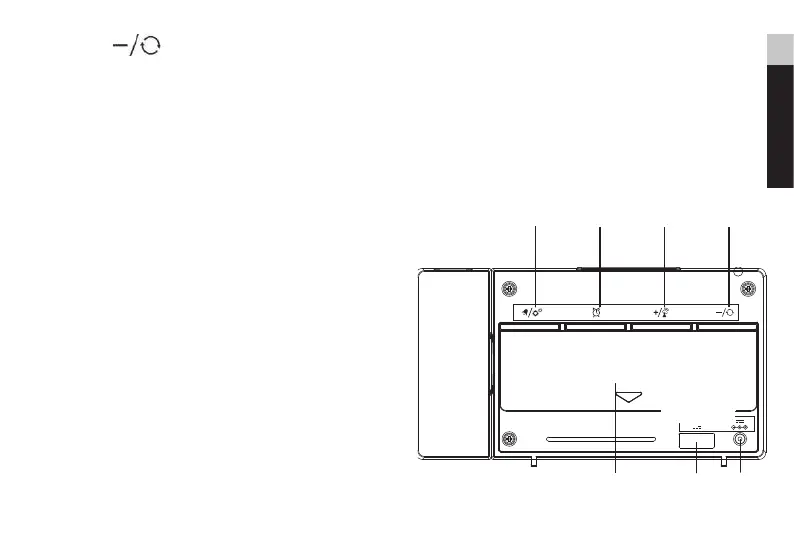
6. Press [ ] to switch between date
mode and the nearest coming alarm time.
In projection, press and hold to flip the
projection display in 180°. In setting mode,
press to decrease one unit, press and hold to
decrease rapidly.
7. Power jack.
8. Battery compartment. Slide down to open.
9. USB charging port.(To charge USB devices).


 To Next Page