7
GETTING STARTED
INSERT BATTERIES
1. Remove the battery door from the back.
2. Insert 2x AAA (LR03)/1.5V batteries. Please ensure
the polarities (+/-) of the batteries match upon instal
-
lation.
3. Reattach the battery door.
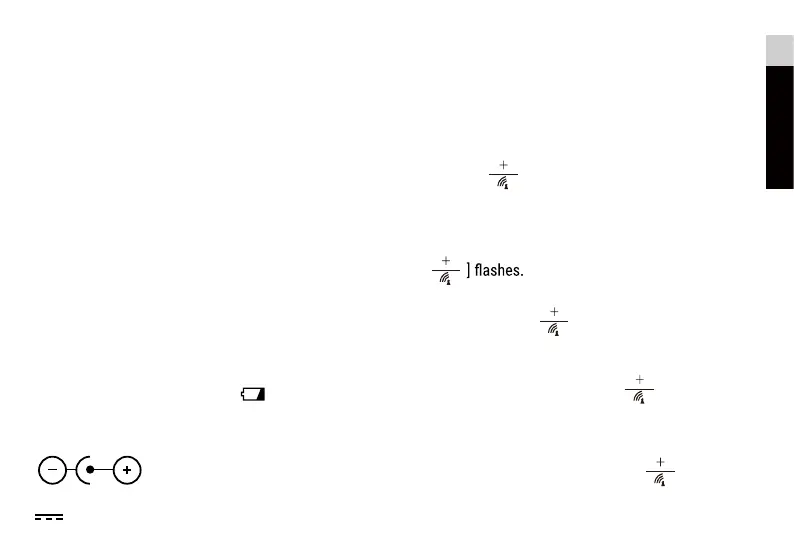
NOTE: Replace batteries when [ ] displays, or when
the display is dim.
AC/DC POWER ADAPTER
Only use a compatible AC/DC Power adapter (5V
1000mA). Plug the power cable to the power jack
and the power adapter to a suitable power outlet.
NOTE: We recommend to insert batteries as backup
power source.
EN
IT
DE
FR
ES
CLOCK
CLOCK RECEPTION
1. Replace batteries
or press [ ] button will initiate
RCC receiving.
2. RCC receiving can work in both date mode and alarm
mode.
3. The receiving process duration is 7 minutes.
4. During receiving process, the RCC signal symbol
[
5. If the RCC receiving process is successful, a complet-
ed RCC symbol [ ] will be shown in the display
and the date and time will be set automatically. If it
fails within 7 minutes, RCC setting will quit automati-
cally. If that happens, press [ ] button to re-
initiate RCC receiving.
6. RCC receiving will automatically start at 2:03, 3:03,
4:03, 5:03 every night. Auto receiving function will
cease if it is successful.
7. To stop RCC recept
ion, press the [
] button.
8. If the device is still not receiving the signal, please
proceed to set the time manually.
OUTDOOR SENSOR
he main unit can receive data from up to 3 outdoor
sensors.
1 Sensor is included with delivery.
1. Remove the battery door from the back.
2. Insert 2x AAA (LR03)/1.5V batteries. Please ensure
the polarities (+/-) of the batteries match upon ins-
tallation.
3. Select a channel, then press TX.
4. Reattach the battery door.
5. Place the sensor within 30 m (98 ft) of the main un-
it using the table stand or wall mount.
after the RF receiving is finished



 To Next Page