CFI EXTEL WESV 82300 - 04/2012 - V1
GB7
b. Installing the monitor
Install the monitor at approximately 1 m above the ground (for optimum reception conditions).
For installing the monitor, choose a location away from reinforced concrete walls, mirrors, metallic
shelves, etc… Keep the monitor away from all appliances creating strong electrical interference.
Any strong electrical environment may cause disturbances and interferes with the use (WIFI in
particular).
6. FUNCTION AND USE OF THE KIT
a. Settings of the image
This system allows some simple settings in order to adjust an optimal quality image.
Use the « M» key to access the menu:
BRIGHTNESS COLOR
CONTRAST SHARPNESS
%5,*+71(66
&2175$67
&2/25
6+$531(66
W X
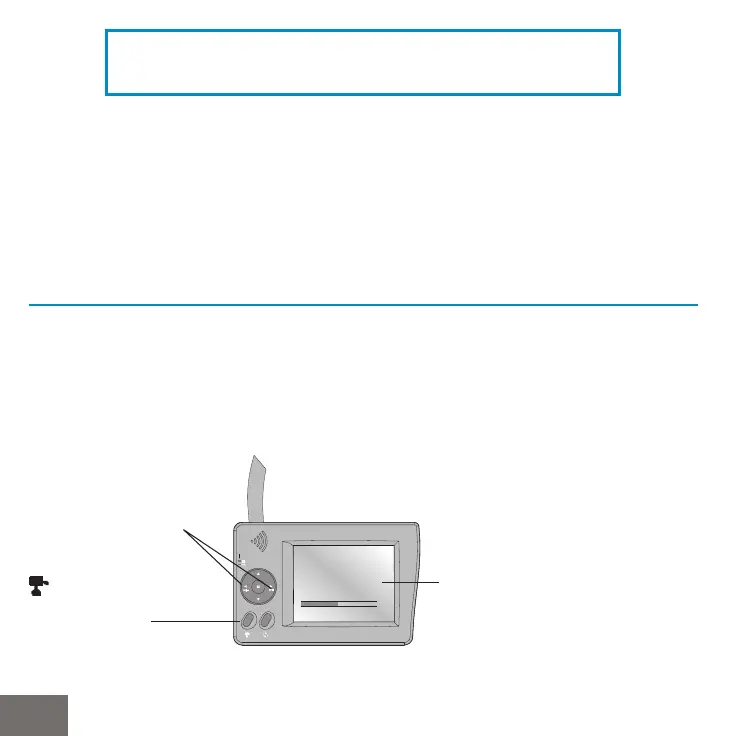
Press directly these buttons
to raise or lower the sound
volume
Press the « M » button.
In the menu use
W and X to
decrease and increase the
parameters.
Fait défiler les caméras
connectées.
CAUTION
Only place the monitor on stable and hard surfaces.



 To Next Page