Extronics Limited
1 Dalton Way, Midpoint 18, Middlewich, Cheshire, UK. CW10 0HU
Tel: +44 (0) 845 277 5000 Fax: +44 (0)845 277 4000 E-mail: info@extronics.com Web: www.extronics.com 15
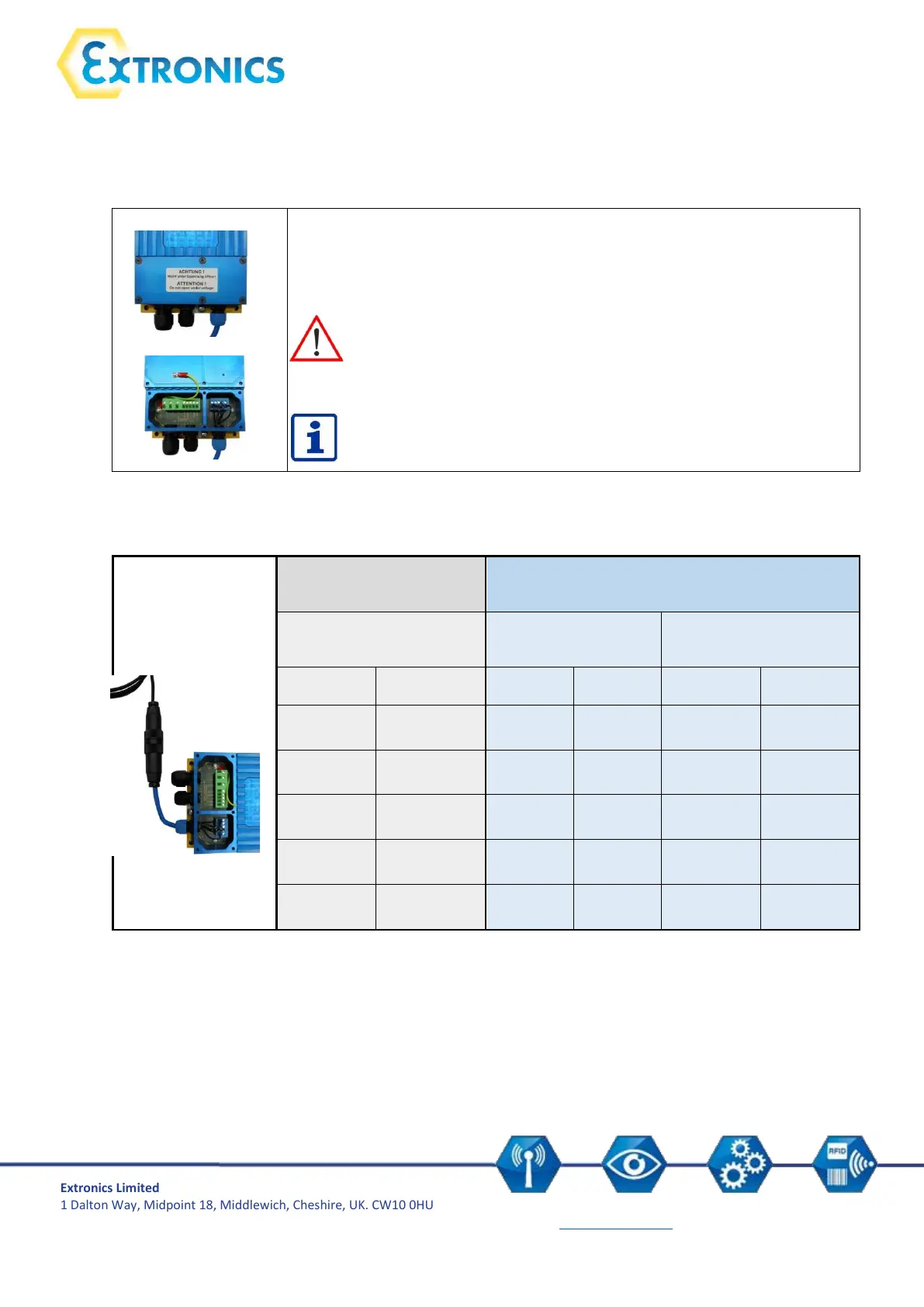
5.4 Connection of RS232 iSCANPS power supply
Supply of the base station as per assembly 1 with plug connection:
The terminal assignment is located underneath the removable cover at the
front of the power supply.
Caution: Do not open enclosure in the hazardous area.
Before operating the device in a hazardous area you have to ensure
that the enclosure has been closed fully and all screws have been
tightened.
Cables may only be connected by trained staff.
Connection of base station to the RS232 power supply with plug connection:
Pin assignment
connection coupling



 To Next Page