102 Eyecon 9420 & 9430 Instruction Manual
Eyecon operation
4.5.9 Hand counts
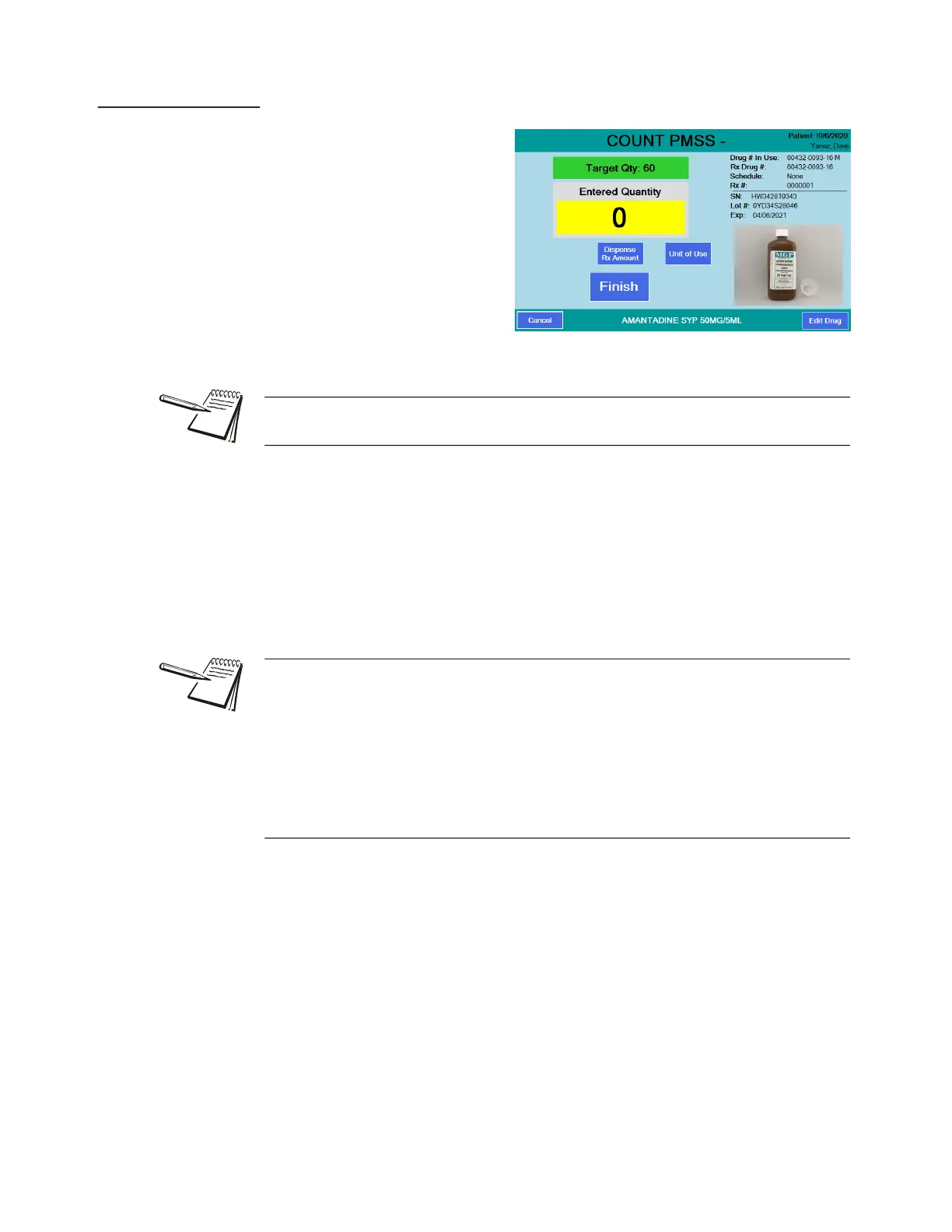
These instructions assume you
are in Validation mode, where
Eyecon provides the most value
for Hand Counting because it
ensures the correct item is being
dispensed. If the drug is a unit of
use (such as syrups, ointments,
creams, blister packs, gel-caps or
syringes) and was designated as a
hand count drug, the HAND
COUNT VALIDATION screen is
displayed, shown at right, when
the stock item barcode is scanned.
1. Press either of the following.
1a. Press Dispense Rx Amount to immediately record that the Rx has been filled
completely.
OR
1b. Press the Unit of Use button to record how many full and partial containers
are being dispensed.
When dispensing multiple containers, it is recommended to scan each one to ensure
they are the correct item.
For blister packs, syrups, ointments, creams or syringes, you can key in fractions
when prompted for # of Pkgs.
For example, if birth control pills come in blister packs with 28 pills/pack and
5 packs/box and you want to dispense 1 card or 2 cards, you can enter .2 or .4 in the
# of Pkgs window. (.2 equals 1 card out of the 5 in the box. .4 equals 2 cards out of
the 5 in the box).
Unit of measure can be either ml, grams or each (per pill).



 To Next Page