Eyecon 9420 & 9430 Instruction Manual 2
9.3 Power-On Behavior
4. Litigation Mitigation: The color photos captured by Eyecon provide a much
higher level of certainty and evidence that prescriptions have been correctly
filled, which can be used to address and short-circuit unjust litigation attempts.
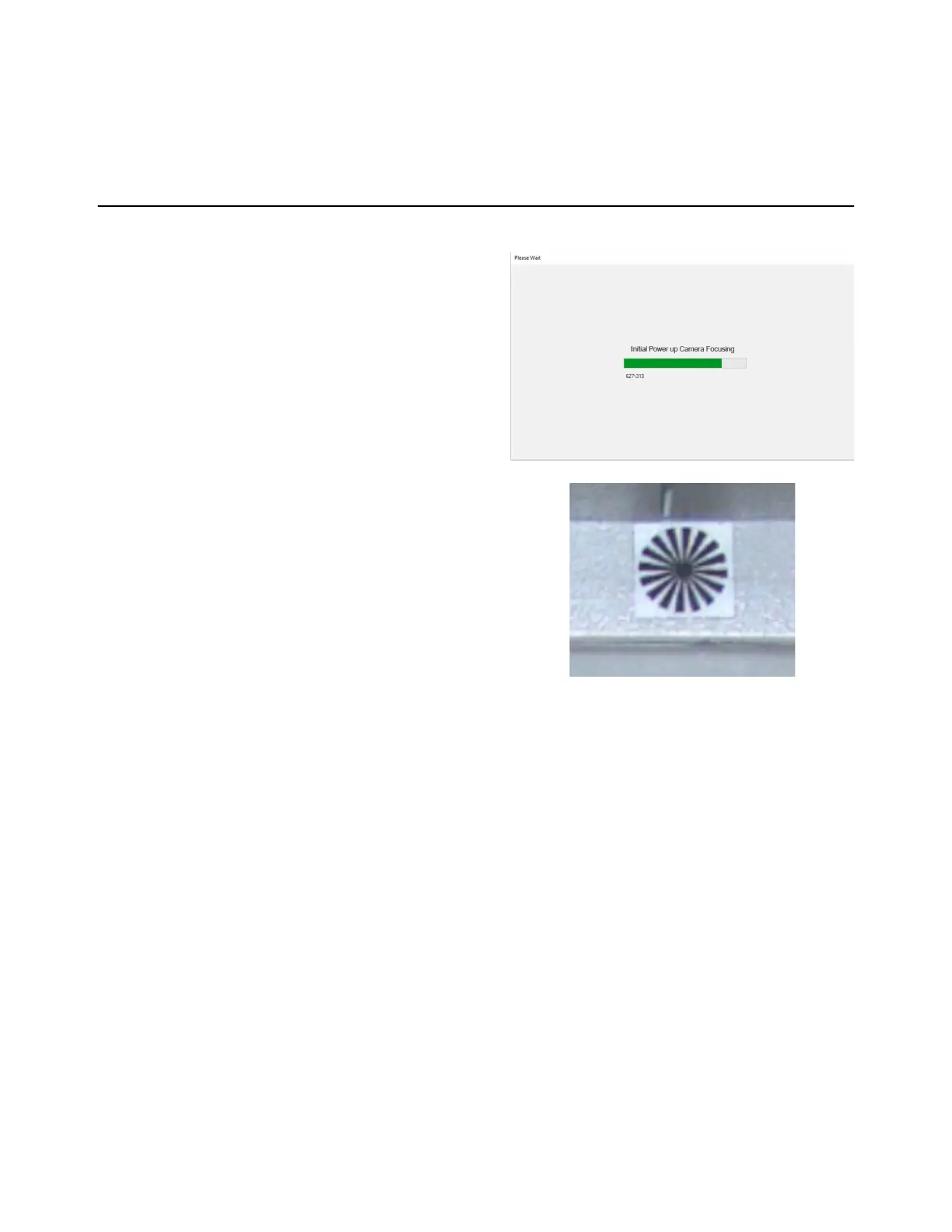
9.3 Power-On Behavior
1. Each time the model 9430
is powering up, the camera
auto-focus process will run.
This can take up to a minute
to complete.
2. Ensure that the focus target
behind the tray is
unobstructed. Once
completed the Eyecon
will advance to the Start
Menu and is ready to use.



 To Next Page