eyepower red
© Light Power Health Ltd 2024
SESSION REMINDER
eyepower red has a visual reminder function using the indicator light that flashes on a weekly
basis to remind you that another red light session is due. The Session Reminder is turned off by
default. If you wish to use the session reminder, please visit the eyepower web site support page at
www.eye-power.co.uk/support for instructions on how to use it.
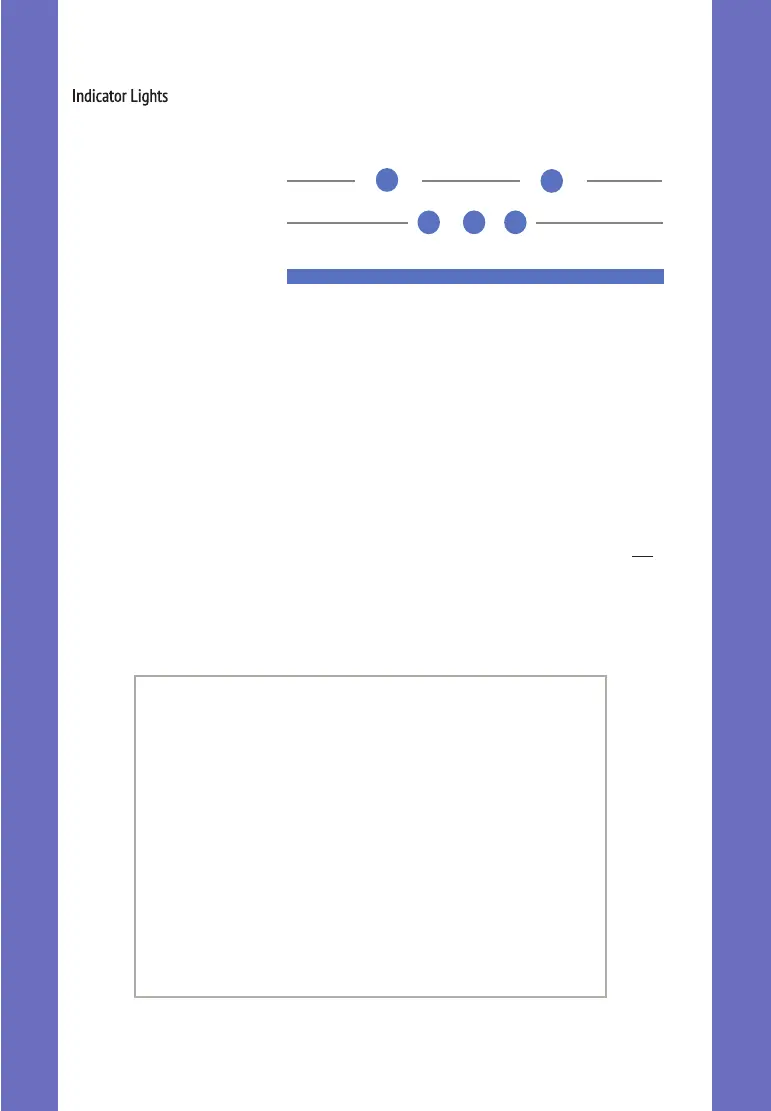
Low Charge
Plugged In & Charging
Plugged In & Fully
Charged
If the indicator light flashes red, green and blue then it indicates that the battery is out of charge.
To clear this, plug your eyepower red in to charge and give one short press on the ON button.
After a few seconds the light will give the normal 3 blue flashes to show it is charging.
You may find it more convenient not to wait until the low charge light flashes and just charge your
eyepower red once a week or every two weeks anyway, it will not do it any harm.
The indicator light on the base of the eyepower red will light up blue as shown below to
indicate various charging states:
TECHNICAL DETAILS
Dual Array LED SMD
670 - 675nm Near Infrared
8.0 - 8.5mW/cm²
> 20,000 Hours
No flicker
120mA/Hr Single Cell LiPo Battery
USB cable with ‘C’ Type Connector
2 Years From Shipment Date
ENGLISH



 To Next Page