3
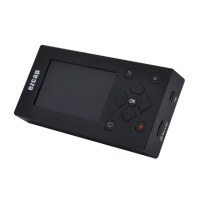
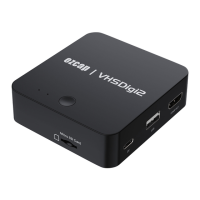
5, ESC – Back to the previous menu.
6, REC – In TV IN preview the video mode, press to record video, press again to stop
and save file.
7, DC/DATA – Supply 5V/2A DC power with Type-C cable to charge battery, connect to
computer to manager files.
8, – Connect earphone to listen the audio.
9, AV IN – AV input connection with AV Cable.
10, HDMI OUT – Connect to TV monitor displaying.
11, VOLUME – Press the upper button to increase the volume, and press the lower
button to decrease the volume.
12, Micro SD – Plug Micro SD card to save recording file or play the file in card.
13, USB HOST – Plug USB flash drive to save recording file or play the file in it.
14, SPEAKER – With speaker inside, can listen to the sound directly.
15, RESET – Click to reset to factory default setting.
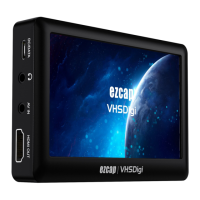
Preparation Before Use
Connections


 To Next Page