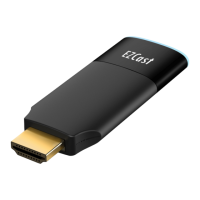
Actions Microelectronics Co., Ltd. Confidential
2
Voice Control
- Amazon Alexa Control
- Google Assistant Control
- AliGenie smart speaker (天貓精靈)
- Mi AI speaker (小愛同學)
1.3 Installation
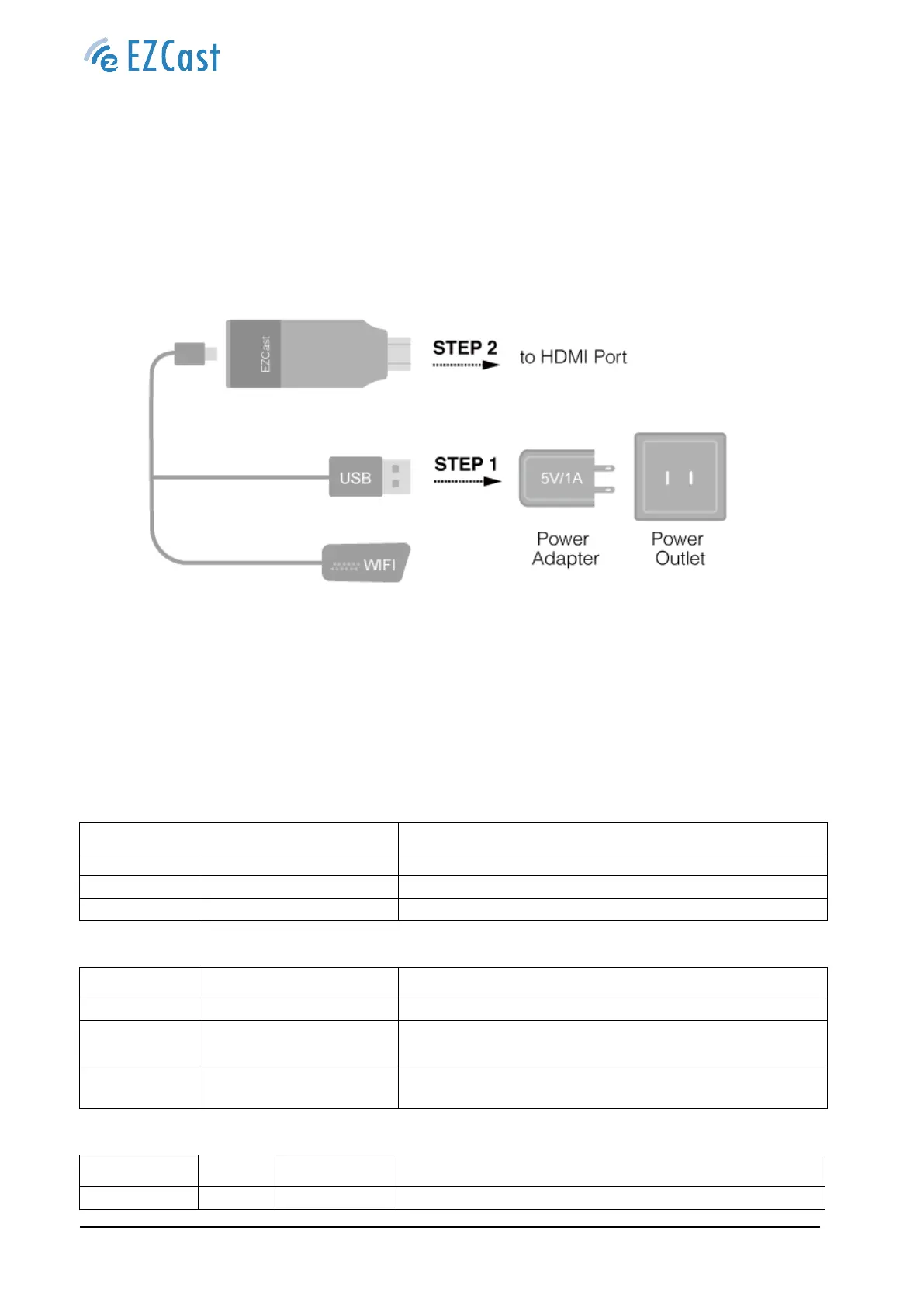
- EZCast 2 to power: Connect the micro USB port to power and Wi-Fi module
- EZCast 2 to TV: Connect to the HDMI port of your TV/Projector/Monitor
- Connect to network: Connect to network wirelessly
2.0 Requirements
The following sections identify the detailed requirements of the EZCast 2.
2.1 Hardware Specification
2.1.1 Main Component
2.1.2 Hardware Interface
HDMI 1.4a with HDCP 2.0
External Wi-Fi module connection
Press 10s for reset the device to factory default
Press one time for switch Wi-Fi to 2.4G or 5G
2.1.3 LED Indicator
The device is power on and operating properly


 To Next Page